Acer PC Owner Says Warranty Claim Was Denied After Reseating RAM During Troubleshooting
Can opening your desktop PC and reseating the RAM put your warranty at risk? According to one Acer pre-built desktop owner, it can. The user says a warranty claim was denied after they removed and reinstalled the memory sticks while trying to diagnose why the computer was no longer detecting its full amount of RAM.
The desktop was reportedly purchased from Walmart with a three-year protection plan. However, when the owner attempted to use that coverage after a memory failure, the insurance provider allegedly rejected the claim, stating that reseating the RAM violated the warranty terms.
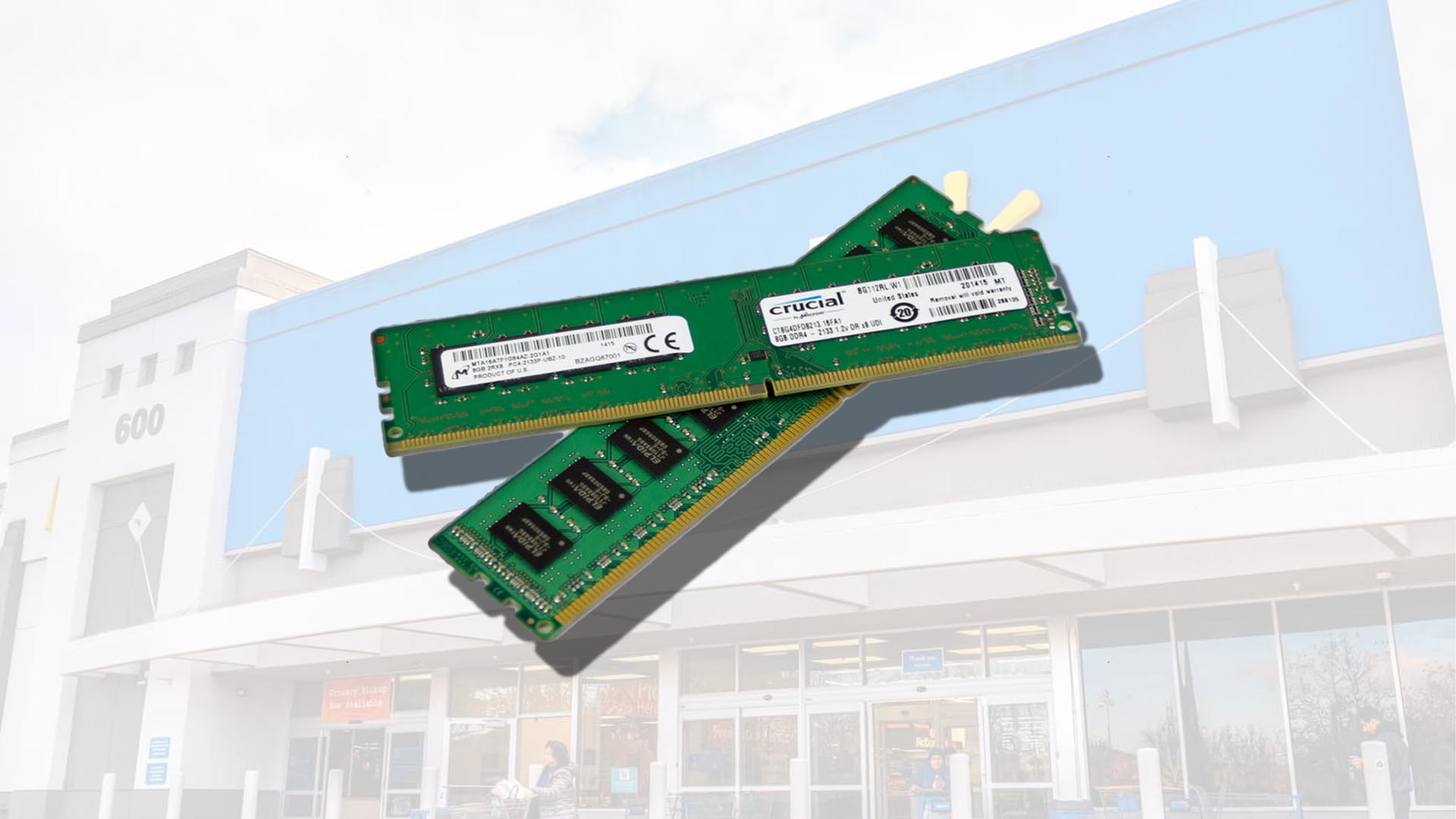
The issue began when the Acer pre-built PC started performing worse than usual, particularly while gaming. The owner noticed that the system was only recognizing 16GB of RAM instead of the 32GB that should have been installed. To figure out what was wrong, they opened the case, removed the RAM modules, reseated them, and swapped them between slots.
This is a common troubleshooting step for desktop computers. When a PC fails to boot, crashes unexpectedly, or stops detecting all installed memory, checking the RAM is one of the first things many users do. Reseating memory modules can help determine whether the problem is caused by a loose connection, a faulty RAM stick, or a bad motherboard slot.
In this case, the owner says the test showed that one of the RAM sticks had failed. They argue that the memory was already malfunctioning before they opened the computer and that they were not attempting to upgrade, replace, or repair the system. Instead, they say they were simply trying to identify the faulty component.
The warranty provider reportedly denied the claim on the grounds that removing and reseating the RAM counted as unauthorized handling. The owner has since filed a complaint with the Better Business Bureau and is appealing the decision.
According to the customer, the denial does not make sense because the system had already stopped recognizing half of its installed RAM before any troubleshooting was performed. They also say the provider has not clearly explained how reseating the memory caused or worsened the failure.
The situation has sparked discussion among PC owners because RAM reseating is widely considered basic computer troubleshooting. Many desktop users are comfortable opening a case to check cables, clean dust, reseat memory, or inspect hardware. However, this case highlights how warranty and protection plans may treat even simple troubleshooting differently than users expect.
The key issue appears to be the wording of the protection plan. Many extended warranties and insurance-style coverage plans include exclusions for damage caused by unauthorized repairs, modifications, or improper handling. The difficult question is whether reseating RAM should be considered a repair attempt or merely diagnostic troubleshooting.
For buyers of pre-built gaming PCs and desktops, this serves as an important reminder: read the warranty terms carefully before opening the case. Even if a task seems simple and harmless, the coverage provider may interpret it differently. If your PC is still under warranty, it may be safer to contact the manufacturer, retailer, or protection plan provider before removing parts, reseating components, or performing hardware diagnostics yourself.
This situation is especially relevant for users who buy pre-built desktop computers with extended protection plans. While these plans can offer peace of mind, they may come with restrictions that limit what owners can do when something goes wrong. A basic step like reseating RAM could potentially become a point of dispute if the provider decides it falls outside approved handling.
For now, the Acer desktop owner is continuing to challenge the denied warranty claim. The outcome may depend on how the plan’s terms are interpreted and whether the provider can show that the customer’s troubleshooting caused damage. Until then, the case stands as a cautionary example for PC owners: before you open your computer, make sure you know exactly what your warranty allows.