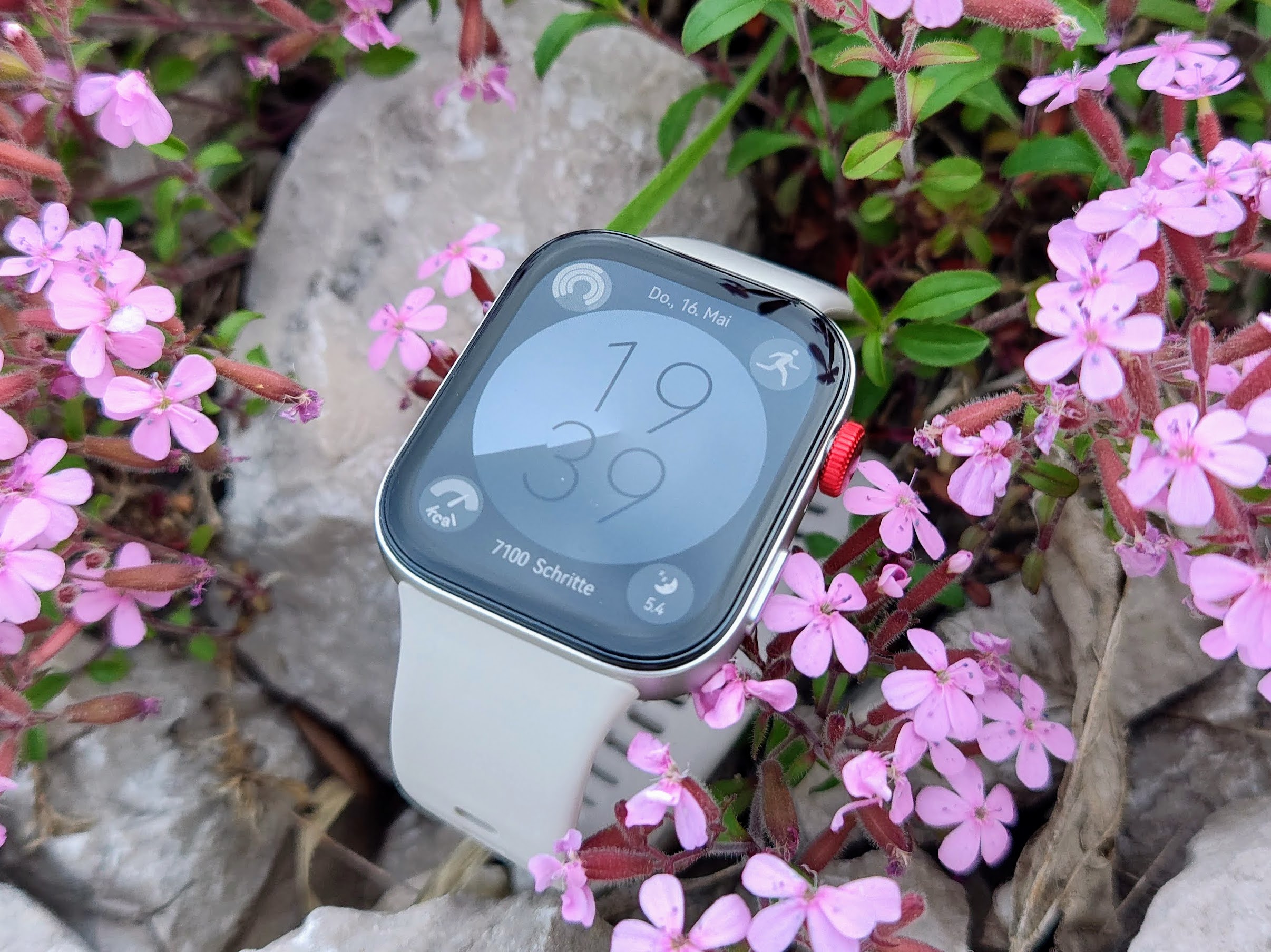
The Huawei Watch Fit 3 stands out as a precision-oriented smartwatch equipped with a fresh design and robust features. Before diving into its intricacies, it’s essential to mention that to harness the full potential of this device, the Huawei Health app is an indispensable tool for setup. The packaging of the Watch Fit 3 is quite user-friendly, presenting a QR code that, upon scanning, directs you to download the app’s APK file.
Given the hurdle of US sanctions, Android users won’t find the latest app iteration on Google Play Store, though iPhone users can readily access it from the Apple App Store. Users are presented with options to download the file via a web browser or Huawei’s proprietary app store, AppGallery. Furthermore, it’s imperative to note that browser downloads may restrict some functionalities, such as granting the Huawei app access to notifications on Android. Conversely, downloading through AppGallery circumvents this issue.
Diving into the app itself, it is meticulously organized into five main sections: Health, Training, Discover, Devices, and Account. The ‘Health’ section acts as a comprehensive dashboard, offering a snapshot of all data collected, with easy navigation to detailed submenus. In the ‘Training’ section, users can review their workouts categorized by discipline and even initiate new training sessions. This section is quite advanced, featuring AI running plans tailored to different performance levels and competitions.
For those seeking a variety of activities, the ‘Discover’ tab is a treasure trove, offering everything from yoga to fat-burning workout plans and calming soundscapes. While some courses are complimentary, access to the full spectrum requires a paid Huawei Health+ membership. However, purchasers of the Watch Fit 3 get to enjoy these premium features for free for the first three months.
Personalized information is accessible via the ‘Account’ section, which includes an overview of collected medals, achievements, and active training plans. Weekly and monthly reports on the user’s activities and workouts are also generated here.
Under ‘Devices,’ users can dive into the Huawei Store for the latest deals on devices, as well as customize paired devices. A range of watch faces, both free and premium, can be browsed in this section, many of which are customizable. Importantly, users can check the power consumption of select backgrounds and even transfer music from their smartphone to the watch.
Finally, the app offers substantial customization for health monitoring, allowing users to determine which measurements to track continuously. Notification settings are customizable, enabling selective push notifications to the watch from chosen apps. Additionally, setting an alarm through the smartphone app is a handy feature.
In essence, the Huawei Watch Fit 3 emerges as a smartwatch that impresses with its precision and variety of features, with an accompanying app that offers extensive options for personalization and tracking. Whether for health monitoring, training, or simply staying connected, this smartwatch is a solid choice for tech-savvy users seeking functional elegance.