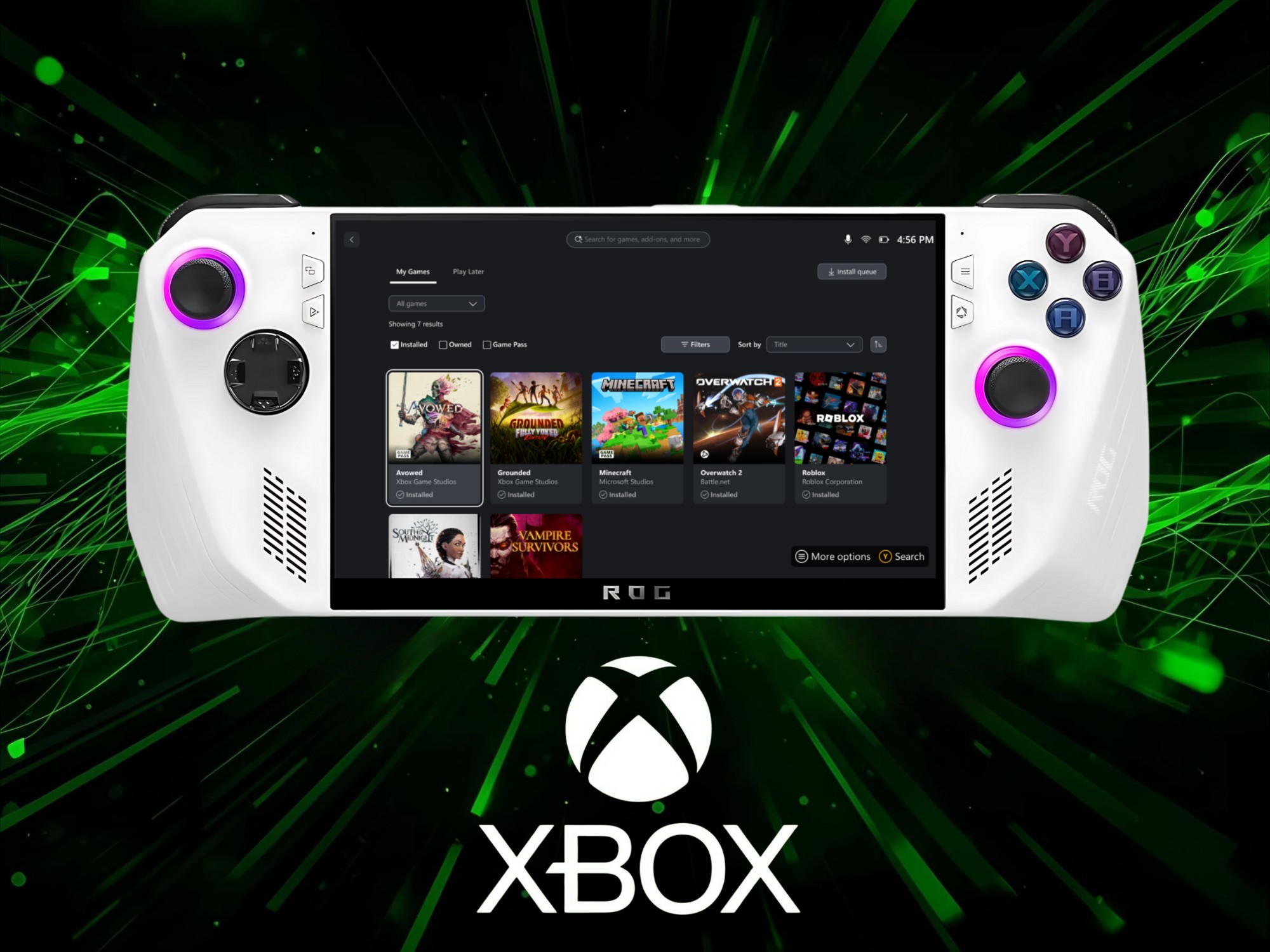
Xbox’s new full-screen experience is shaping up to be a compelling upgrade for Windows 11 gaming handhelds like the Asus ROG Ally — just don’t expect miracles without a little housekeeping.
Early testing on a first‑generation ROG Ally shows a clear performance bump when the new interface is enabled. In Shadow of the Tomb Raider, average frame rates climbed from 29 fps in standard desktop mode to 38 fps with the Xbox full-screen experience active. The catch? Those gains largely come from the mode temporarily disabling background apps and system tasks that eat into CPU, GPU, and memory resources. Manually toggling off the same processes in desktop mode delivered identical results, indicating the uplift isn’t from deep OS changes but from smart, streamlined system management.
That same logic applies to battery life. Longer play sessions are possible when the system isn’t juggling extra services and apps, but any game that still requires a secondary launcher such as Steam will reclaim some of those freed-up resources and reduce the advantage. Multitasking is another trade-off. The interface focuses on gaming first, so running productivity apps alongside your titles will impact performance on devices like the ROG Ally and the upcoming ROG Xbox Ally.
Where the new experience truly shines is usability. Navigating Windows with analog sticks and face buttons feels far more console-like, reducing friction between boot-up and gameplay. The Xbox app serves as a central hub that can launch games from multiple storefronts, helping handheld PCs feel less like mini laptops and more like dedicated gaming devices.
Key takeaways for ROG Ally owners and other Windows 11 handheld users:
– Expect meaningful fps gains and better battery life when background tasks are disabled.
– If a game needs an additional launcher, some performance and efficiency benefits will diminish.
– The UI delivers a smoother, controller-first experience that makes handheld gaming feel closer to a console.
– You can replicate most performance improvements today by trimming startup apps and shutting down unnecessary services.
Windows Insiders can try the full-screen mode now, with a broader rollout to other Windows 11 handhelds, including the Lenovo Legion Go series, targeted by spring 2026. If you’re chasing higher frame rates and longer battery life on your handheld gaming PC, this interface — or a bit of manual optimization — could be exactly what you need.


