Laptop battery life is often shaped by a few familiar factors: screen brightness, processor efficiency, workload, keyboard backlighting, and whether a dedicated GPU is active. But if your laptop uses an OLED display, there is another major detail that can dramatically change how long it lasts on a charge: what is actually shown on the screen.
Unlike a traditional LCD panel, an OLED screen does not rely on a constant backlight. On an LCD laptop, power use is largely tied to the backlight level, so reducing brightness usually lowers energy consumption no matter what content is displayed. OLED works differently because each pixel lights itself. Bright pixels, especially white ones, use significantly more power, while black pixels consume very little because they are essentially turned off.
That difference makes dark mode much more than a visual preference on OLED laptops. If you want longer battery life, using dark mode can be one of the easiest and most effective changes you can make.
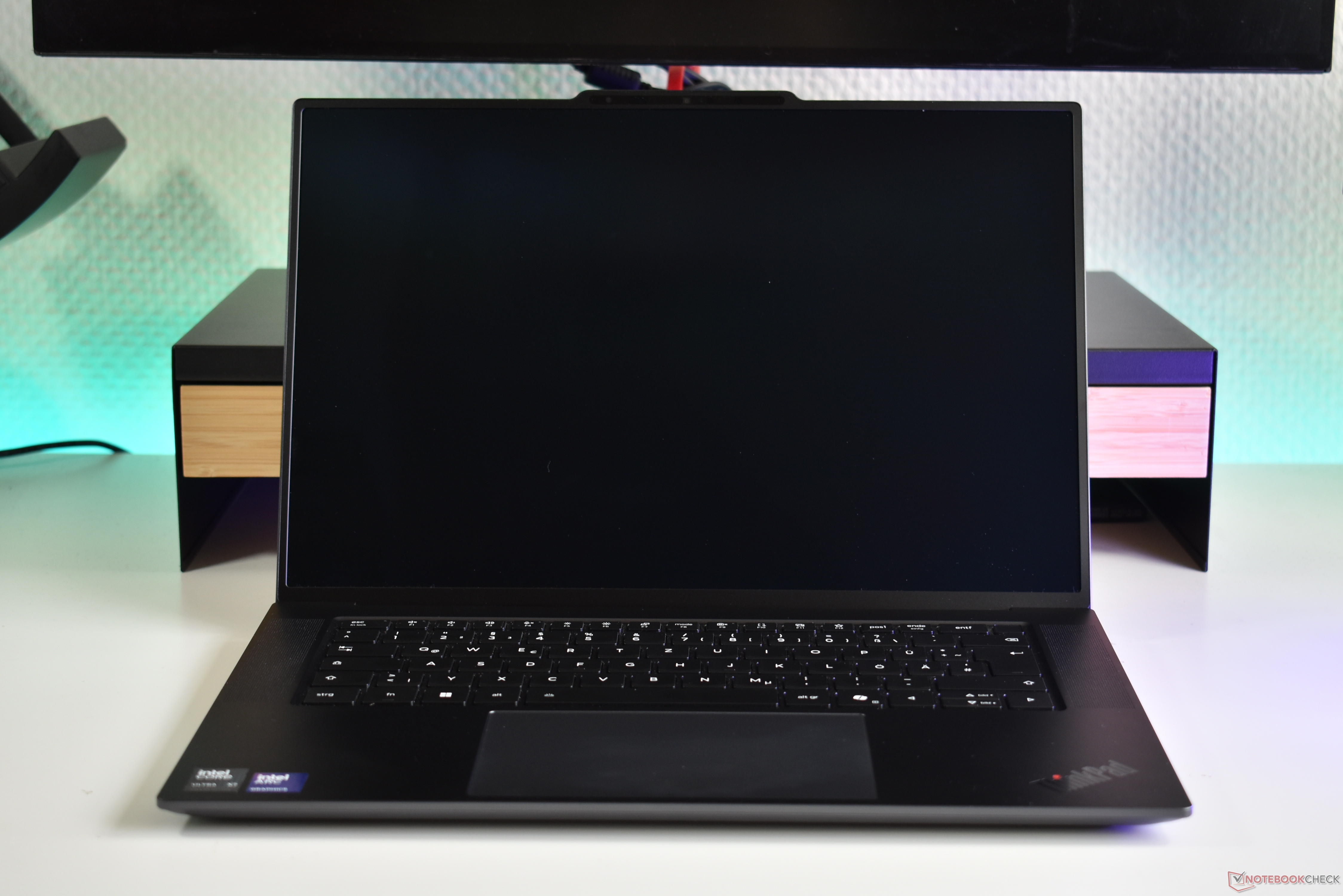
A recent battery test on a Lenovo ThinkPad X9-15p Gen 1 Aura Edition helps show just how big the difference can be. This 15.3-inch laptop features a 2.8K OLED display with a 2,880 x 1,800 resolution. The screen supports a standard 60 Hz refresh rate, a smoother 120 Hz mode, and variable refresh rate support ranging from 30 Hz to 120 Hz.
During Wi-Fi web browsing tests at maximum screen brightness, the impact of display mode was striking. With light mode enabled, battery life dropped sharply and only reached a little over nine hours. That is still usable for many people, but it is far below what the same laptop can achieve with more efficient settings.
Switching to dark mode changed the result completely. In the same browsing test, the laptop lasted more than 21 hours when set to 60 Hz. That is more than double the result seen in light mode, showing how much OLED battery life depends on screen content.
Refresh rate also played a role, though not as dramatically as light versus dark mode. Variable refresh rate, which adjusts between 30 Hz and 120 Hz, performed slightly better than 60 Hz in light mode, but the difference was minor. In dark mode, however, the best result came from using a fixed 60 Hz setting. Variable refresh rate still delivered excellent endurance at just over 20 hours, but it fell slightly behind the 60 Hz result.
The takeaway is simple: if you own an OLED laptop and want the longest battery life possible, enable dark mode and keep the refresh rate at 60 Hz. Higher or variable refresh rates can make motion look smoother, but they may reduce battery runtime. The loss is relatively small compared with the massive hit caused by using light mode on an OLED screen.
For everyday users, this means a few quick settings changes can make a major difference. Turning on dark mode in Windows, using dark themes in your browser and apps, choosing darker wallpapers, lowering brightness when possible, and sticking with 60 Hz when you do not need ultra-smooth scrolling can all help extend OLED laptop battery life.
OLED displays are known for deep blacks, vivid colors, and excellent contrast, but they reward smart usage. If your goal is all-day battery life, the screen theme matters just as much as brightness. In many cases, dark mode is not just better for your eyes in low light; it is better for your battery too.