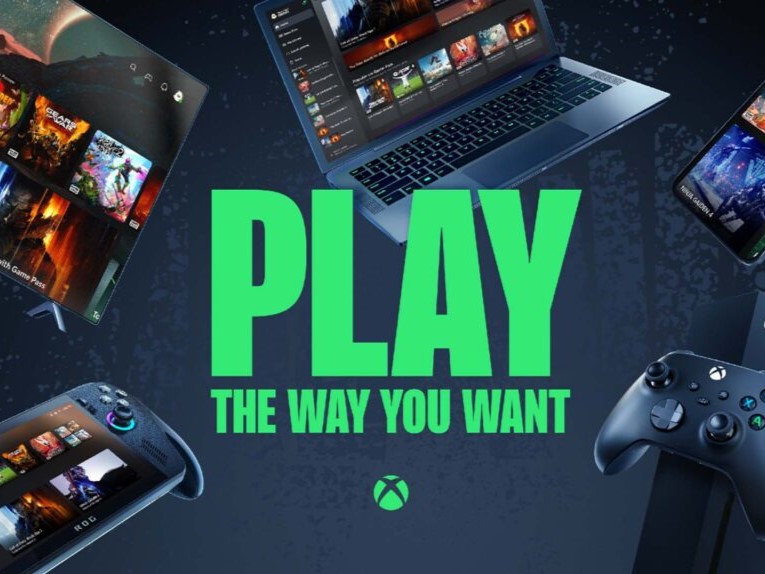
Xbox Cloud Gaming now lets your phone act as a controller on smart TVs
Xbox Cloud Gaming is making it easier to jump into a game, even when you do not have a controller nearby. Microsoft is currently previewing a new feature that allows players to use an Android phone or iPhone as a controller when playing Xbox Cloud Gaming on supported smart TVs and displays.
The feature is designed for convenience. If you launch a cloud game on your TV without a physical controller connected, the Xbox app can show an option to use your smartphone instead. After scanning a QR code, the controller layout appears in your phone’s web browser, turning the device into a virtual gamepad.
This could be especially useful for casual players, families, or anyone trying Xbox Cloud Gaming on a TV for the first time. Instead of needing to buy or pair a separate controller right away, users can start playing with the device they already have in their pocket.
The phone controller feature works with both Android and iOS devices, though Microsoft has not specified the minimum operating system versions required. It is currently available as a preview in regions where Xbox Cloud Gaming is supported.
To try it, users need to open the Xbox app on a supported smart TV or display, go to Settings, select Account, and enable Preview Features. Once activated, the phone controller option should appear when starting a game without a connected controller.
Microsoft also says some games will offer customized touch controls based on how they are played. That means certain titles may feel more natural on a phone screen instead of using a generic controller layout for every game.
The feature is available on supported smart TVs and displays, including select Fire TV Omni QLED models, LG TVs and monitors running webOS 24 or newer, and TVs using Vidaa OS 9.6 or later.
While a traditional Xbox controller will still offer the best experience for many games, this smartphone controller option removes a major barrier for cloud gaming on TVs. It gives players a quick and simple way to start playing without extra hardware, making Xbox Cloud Gaming more accessible to a wider audience.


