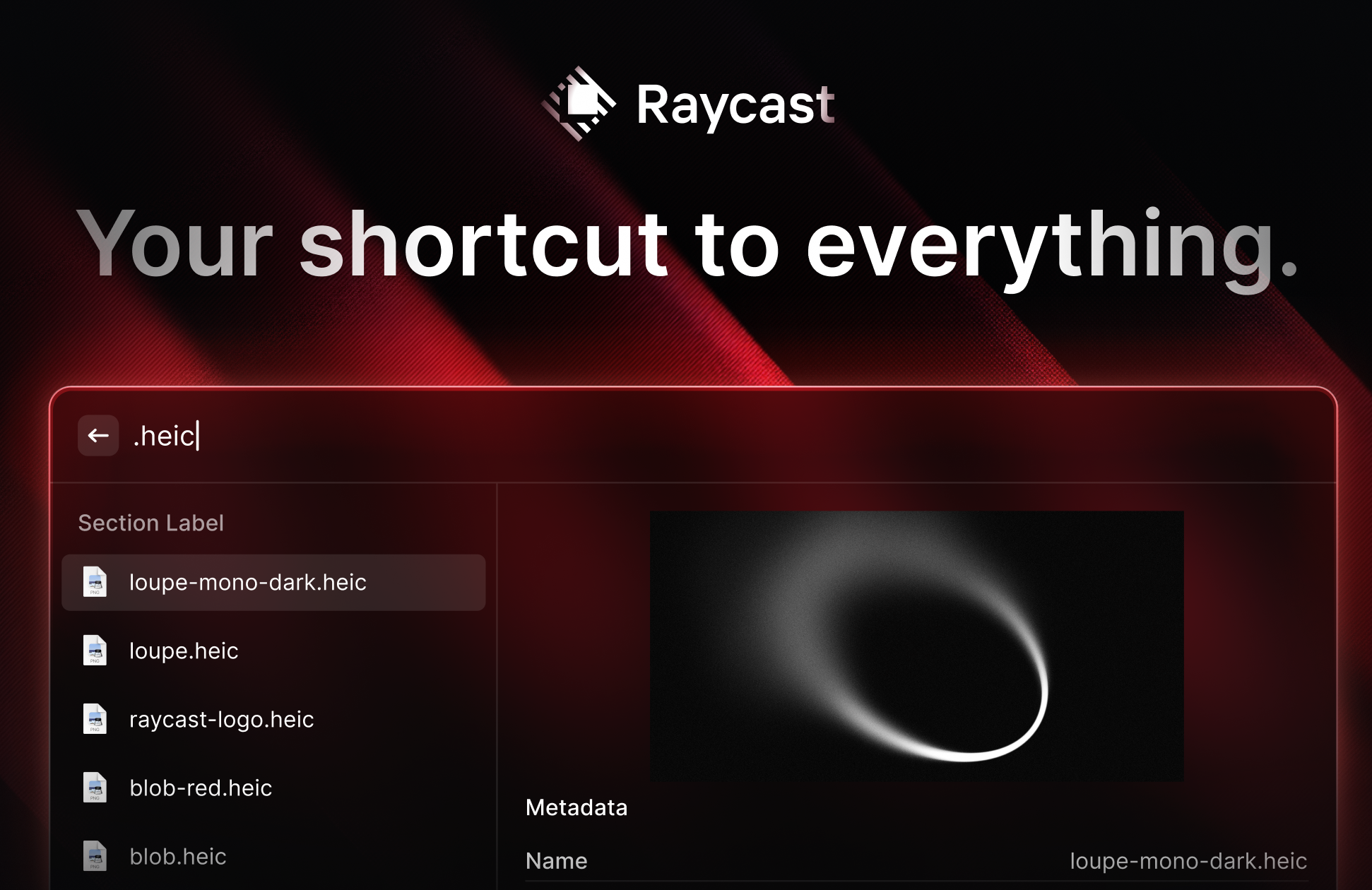
Raycast, widely acclaimed as a versatile alternative to Spotlight for macOS, is set to make waves with its debut on Windows 11. More than just an application launcher, Raycast enables users to perform a multitude of tasks without opening separate apps. With features like clipboard history and window management, it has already charmed macOS users and even ventured into iOS.
The long-awaited Windows version is finally on the horizon, now available in public preview on an invite-only basis. This expansion likely incorporates Windows 11’s WinUI 3 Fluent design, ensuring a native look and feel.
The beta version for Windows mirrors many of the productivity features macOS users love. By pressing Alt + Space, users can launch a search tool to filter files by type and perform actions like locating them in File Explorer or copying them. The inclusion of a clipboard history manager and a natural language calculator enhances utility, allowing for queries like “days until July 12” or “time in Vienna.”
During the beta phase, Raycast users can enjoy free access to Quick AI, leveraging GPT-4o mini for conversational interactions and follow-up questions.
Key to Raycast’s appeal is its support for third-party extensions. While the Windows version will host most extensions, those reliant on Apple-specific features are excluded.
Plans for achieving parity with the macOS version are in motion. Features like Cloud Sync for device preferences and extensions, advanced AI search capabilities, Raycast Notes, snippet expansion, and more robust scripting and tooling are in development.
Currently, there is no direct download for the Raycast Windows beta. Interested users can join a waitlist to receive an invite and can share the opportunity with three others once invited.
While the excitement builds around Raycast, Windows users already have alternatives like Flow Launcher and PowerToys Run. PowerToys, equipped with a new Command Palette tool, is on track to extend functionality further.