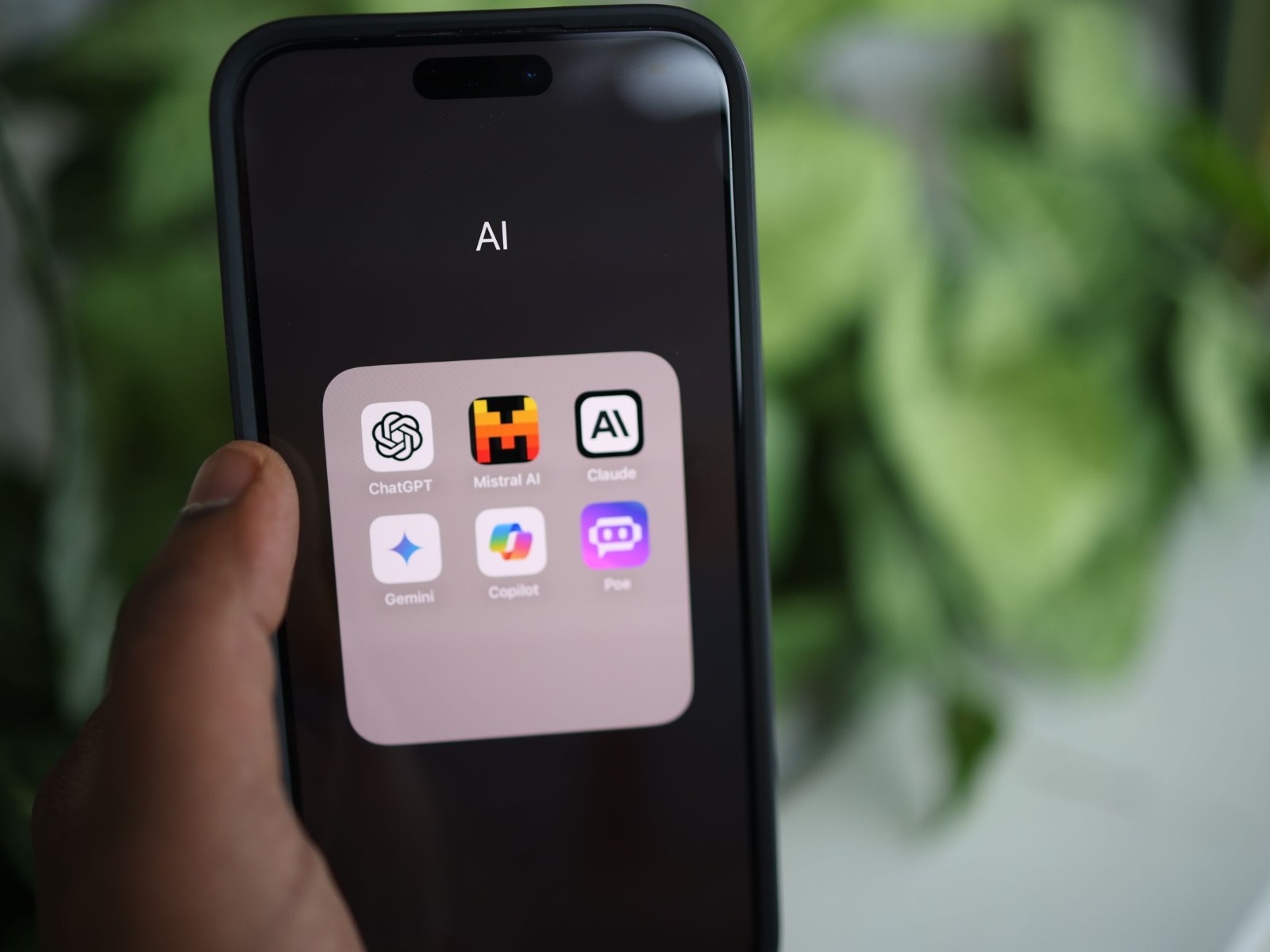
ChatGPT, Gemini, Claude and Copilot Free Plans: What You Really Pay With Ads, Data and Limits
The biggest AI chatbots are all available for free, and for many everyday tasks, you may not need a paid subscription at all. ChatGPT, Google Gemini, Claude and Microsoft Copilot can answer questions, summarize text, help draft emails, explain difficult topics and assist with creative work without charging you upfront.
But “free” does not always mean cost-free. In exchange for access, you may be accepting ads, shorter usage limits, reduced features, smaller context windows or the use of your chats to improve AI models. Some services also keep your conversations for a long time, and a few settings are switched on by default unless you change them yourself.
Here is what the free versions of ChatGPT, Gemini, Claude and Copilot include, what they may take in return and which privacy settings are worth checking before your next conversation.
ChatGPT Free: strong everyday AI, but ads and training may be enabled
ChatGPT’s free plan gives users access to unlimited text chats with GPT-5.6 Luna, along with limited access to uploads, image generation, voice chats, deep research and memory. OpenAI’s newer GPT-6 Luna is also available to free users, but only through the desktop app for now.
The free version has a 27,000-token context window, which OpenAI describes as roughly 12 pages of text. That is enough for many normal conversations, but it can be limiting if you want to analyze long documents, legal contracts, research papers or large reports in one session. Paid plans offer more room, with ChatGPT Go priced at $8 per month and ChatGPT Plus at $20 per month in the United States.
The first major trade-off is advertising. Since late August, free and Go users in Germany have been seeing ads inside ChatGPT. These ads are currently not personalized in the European Economic Area or Switzerland, and OpenAI says ads are not shown to accounts identified as belonging to users under 18.
There is a way to remove ads on the free plan, but it comes with a catch. In Settings, under Ads controls, users can choose “Reduce message limits.” This removes ads, but it also means fewer messages and no access to tools such as image generation or deep research.
The second important setting is model training. ChatGPT may use your chats to improve its models unless you turn this off. The setting is called “Improve the model for everyone,” and it can be found under Settings and Data controls. In a checked free account, this option was enabled by default.
If you do not want a specific conversation used for training, temporary chats are another option. OpenAI says temporary chats are not used for model training, although copies may still be kept for up to 30 days for safety and abuse monitoring.
Gemini Free: generous features, but long data retention matters
Google Gemini currently offers one of the most generous free AI plans. The free version includes Gemini 3.6 Flash, limited access to Gemini 3.1 Pro, Deep Research, image generation, Gemini Live, Canvas and Gems. Google AI Plus costs $4.99 per month and mainly increases usage limits, while Google AI Pro costs $19.99 per month in the United States.
Google says Gemini conversations are not used to show ads. That is reassuring, but the main privacy trade-off is data retention and human review.
For users aged 18 and older, Gemini’s “Keep Activity” setting is enabled by default. When this is on, some conversations may be reviewed by humans, including external service providers. Reviewed chats can be kept for up to three years, even if you later delete your Gemini activity.
Google also warns users not to enter confidential information into Gemini. That is especially important if you are discussing business documents, private health matters, passwords, legal issues, financial data or sensitive personal details.
If you turn Keep Activity off, Google still keeps new conversations in your account for 72 hours. Temporary chats follow the same 72-hour retention period. For sensitive one-off questions, a temporary chat can be a useful option without changing your main account settings.
There is one extra detail to keep in mind: Gems are expected to become skills in November, and skills require Keep Activity. So if you rely on those features, turning off activity may affect how Gemini works for you.
Claude Free: upgraded models and a privacy toggle worth checking
Claude’s free plan has become more powerful with access to Claude Sonnet 5.5, along with Haiku 4.5. The most advanced model, Opus 5.5, remains reserved for paid subscribers.
The free plan also includes useful tools such as memory across conversations, artifacts and connected apps. Claude Pro costs $20 per month, or $17 per month when billed annually in the United States.
The key privacy setting in Claude is called “Help improve our AI models,” found under Settings and Privacy. This controls whether your conversations can be used to train Anthropic’s AI systems.
The default state is not clearly stated in the available help information, so users should check it manually. If you switch the toggle off, new chats should no longer be used for model training. However, conversations already included in completed or active training processes may remain there.
Claude may still use chats flagged by safety systems for abuse detection and security purposes. So even with training turned off, users should avoid entering highly sensitive or confidential information unless they are comfortable with the service’s data policies.
Copilot Free: fewer tools and personalized ads based on chat history
Microsoft Copilot’s free consumer version has become more limited in some areas. Deep Research was removed from the consumer app on August 18, and its replacement now requires a paid subscription.
According to Microsoft’s privacy information, Copilot conversations are stored for 18 months by default. Users can turn off model training, and they can also disable personalization based on memory.
The bigger concern for many users is advertising. Microsoft says personalized ads in Copilot may be based on your chat history and saved memories. This means the things you ask Copilot could potentially influence the ads you see, unless you change the setting.
To disable this inside Copilot, go to Settings, then Personalization, and turn off “Allow ads personalization.” Microsoft also offers a broader privacy control that applies across its services. Users under 18 do not receive personalized ads in Copilot.
Which free AI chatbot is best for privacy?
There is no single perfect answer. Each free AI assistant comes with a different balance of features, limits, ads and data use.
ChatGPT is powerful and widely useful, but free users should check ad controls and the model training setting. Gemini offers a very feature-rich free plan, but Keep Activity and long retention periods deserve attention. Claude gives free users access to strong models, but the training toggle should be reviewed manually. Copilot is convenient for Microsoft users, but personalized ads based on chat history may be a concern.
For casual questions, brainstorming, rewriting text or quick explanations, all four free plans can be useful. But if you are asking about health issues, legal documents, company information, private financial details or anything confidential, it is worth spending a few minutes in the settings first.
A smart approach is to use different AI assistants for different tasks. Keep one chatbot configured with training disabled for more sensitive questions, and use the others for everyday searches, summaries and productivity help.
Free AI tools can save time and improve your workflow, but the real cost is often hidden in settings most people never open. Before sharing personal or sensitive details with any AI chatbot, check how your data is stored, whether your chats are used for training and whether ads can be personalized from your conversations.