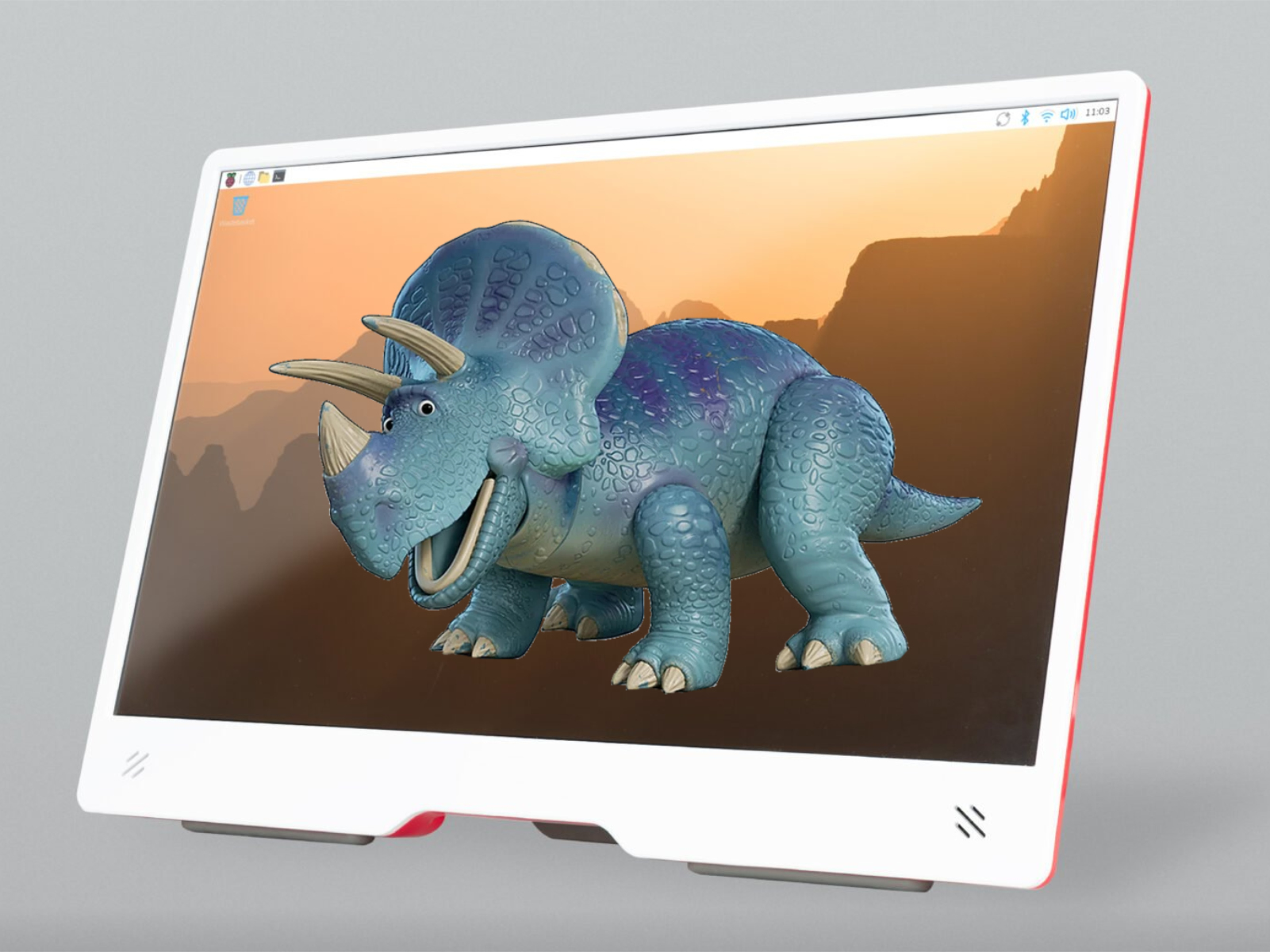
Raspberry Pi unveils Trixie OS: a streamlined, polished, and more flexible upgrade for your Pi
Raspberry Pi’s latest OS release, Trixie, is here to simplify setup, speed up customization, and refresh the look and feel of your desktop. This free update consolidates scattered settings into a single hub, introduces a modern visual makeover, and makes it easier than ever to switch between Lite and full desktop environments.
What’s new and why it matters
– Unified settings in the new Control Centre: Trixie replaces multiple separate tools—Appearance, Mouse and Keyboard, Raspberry Pi Configuration, and Screen Configuration—with a single Control Centre. You can manage system preferences from one place instead of jumping between apps.
– Extensible by design: Control Centre supports third-party extensions and custom settings pages. That means developers and power users can add features or tailor the interface to specific projects, classrooms, or labs.
– Easier Lite-to-desktop conversions: Desktop image components are now grouped into meta-packages. This change simplifies moving between minimal Lite setups and full desktop environments, ideal for users who want to start lean and scale up without reinstalling everything from scratch.
– Fresh visual experience: Trixie debuts the Nunito Sans Light font, updated wallpapers, a new desktop theme, and a refined set of icons. The result is a cleaner, more cohesive interface that looks great on everything from classroom displays to home media centers.
Upgrade guidance
Raspberry Pi does not recommend performing a direct in-place upgrade from a Bookworm image to Trixie. For the best experience and stability:
– Back up your files and settings.
– Plan for a fresh install of Trixie rather than attempting to upgrade an existing Bookworm setup.
Who will appreciate Trixie most
– Makers and tinkerers who want a faster way to configure hardware and peripherals in one place.
– Educators deploying multiple devices who need consistent, easy-to-manage settings.
– Home users running media centers or personal servers who want a polished desktop with minimal fuss.
– Developers who will take advantage of Control Centre’s extension support to build or integrate custom tools.
Quick takeaways
– Control Centre replaces multiple configuration apps with a single, extensible hub.
– Meta-packages streamline transitions between Lite and full desktop environments.
– Visual updates include Nunito Sans Light, refreshed wallpapers, a new theme, and new icons.
– A clean install is recommended instead of upgrading directly from Bookworm.
For full release notes, installation instructions, and supported devices, visit the official Raspberry Pi website.


