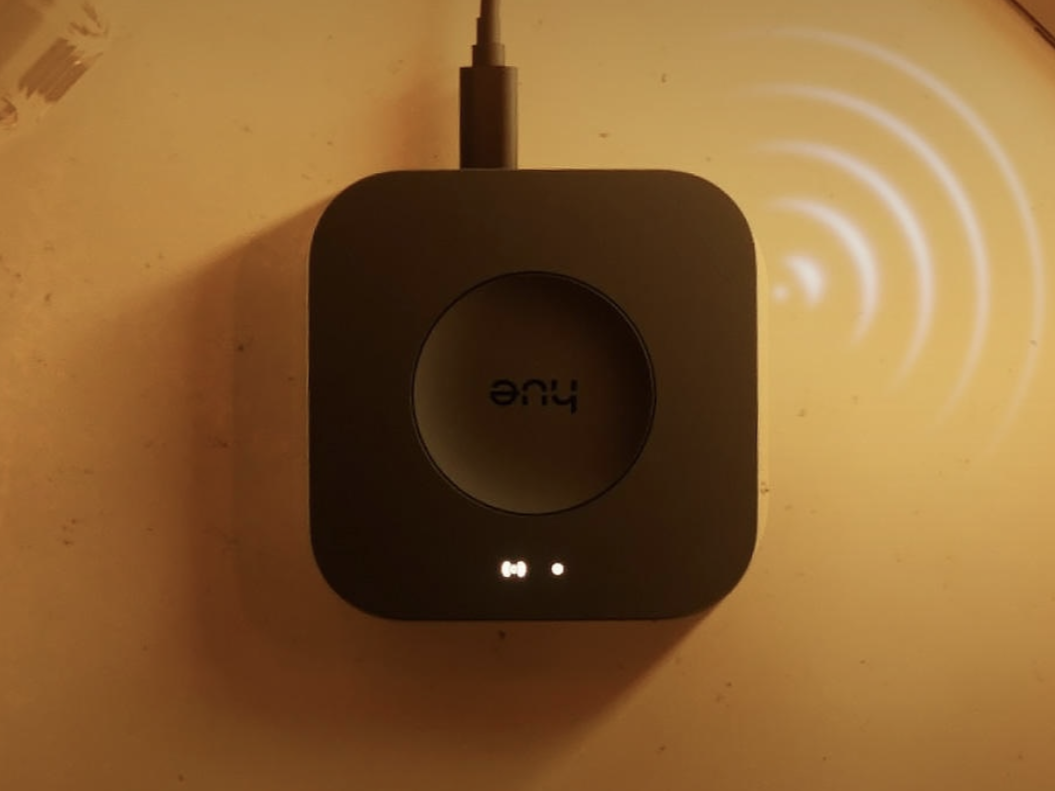
Philips Hue is rolling out new firmware for both the Hue Bridge and the Hue Bridge Pro, laying the groundwork for a smarter, more informative Room view in the Hue app. The Bridge Pro is receiving its first update since launch, while the standard Bridge is also getting a matching release to keep both hubs aligned.
What’s new
– Hue Bridge Pro firmware version: 2071112000
– Hue Bridge firmware version: 1973146020
– Purpose: Adds support for an upcoming Room view enhancement in the Philips Hue app
Today, the Room view in the app mainly shows your lights and scenes. With the upcoming app update, you’ll be able to see much more at a glance. The expanded view is expected to include switches, sensors, cameras, and MotionAware areas for each room, giving you a centralized snapshot of what’s active and how your home is responding.
How the update arrives
– Delivery: Over-the-air rollout
– Installation: Automatically installs if you have automatic updates enabled
– Where to check: Open the app and go to Settings > Software update > Automatic update
If you prefer to update manually, you can visit the Software update section in the app to check status and trigger the install when available. Rollouts often happen in stages, so it may take a little time before the new firmware reaches every user.
What to expect next
This firmware doesn’t unlock the new interface by itself. It prepares your Bridge or Bridge Pro for the enhanced Room view that will arrive with a future Philips Hue app release. Once the app update lands, you should see the added device categories appear in Room view without needing further action.
Why it matters
– Faster access to device status: Quickly see more than lights and scenes, including which switches or sensors are active.
– Smarter monitoring: Cameras and MotionAware areas visible per room can help you understand activity at a glance.
– Streamlined control: A single, unified room dashboard reduces app hopping and menu diving.
Tips to get ready
– Ensure automatic updates are enabled so your Bridge installs the firmware as soon as it’s available.
– Keep your Philips Hue app updated to receive the enhanced Room view when it rolls out.
– After the app update, open each room to confirm you can see lights, scenes, switches, sensors, cameras, and MotionAware areas.
A quick refresher
– Hue Bridge Pro: Receiving its first firmware update since debuting at IFA 2025, version 2071112000.
– Hue Bridge: Receiving version 1973146020 with the same underlying support for the upcoming app feature.
Bottom line
The latest Hue Bridge and Bridge Pro firmware updates don’t change your day-to-day experience yet, but they set the stage for a more powerful Room view in the Philips Hue app. Enable automatic updates, keep the app current, and watch for the new dashboard elements to appear in a forthcoming release.