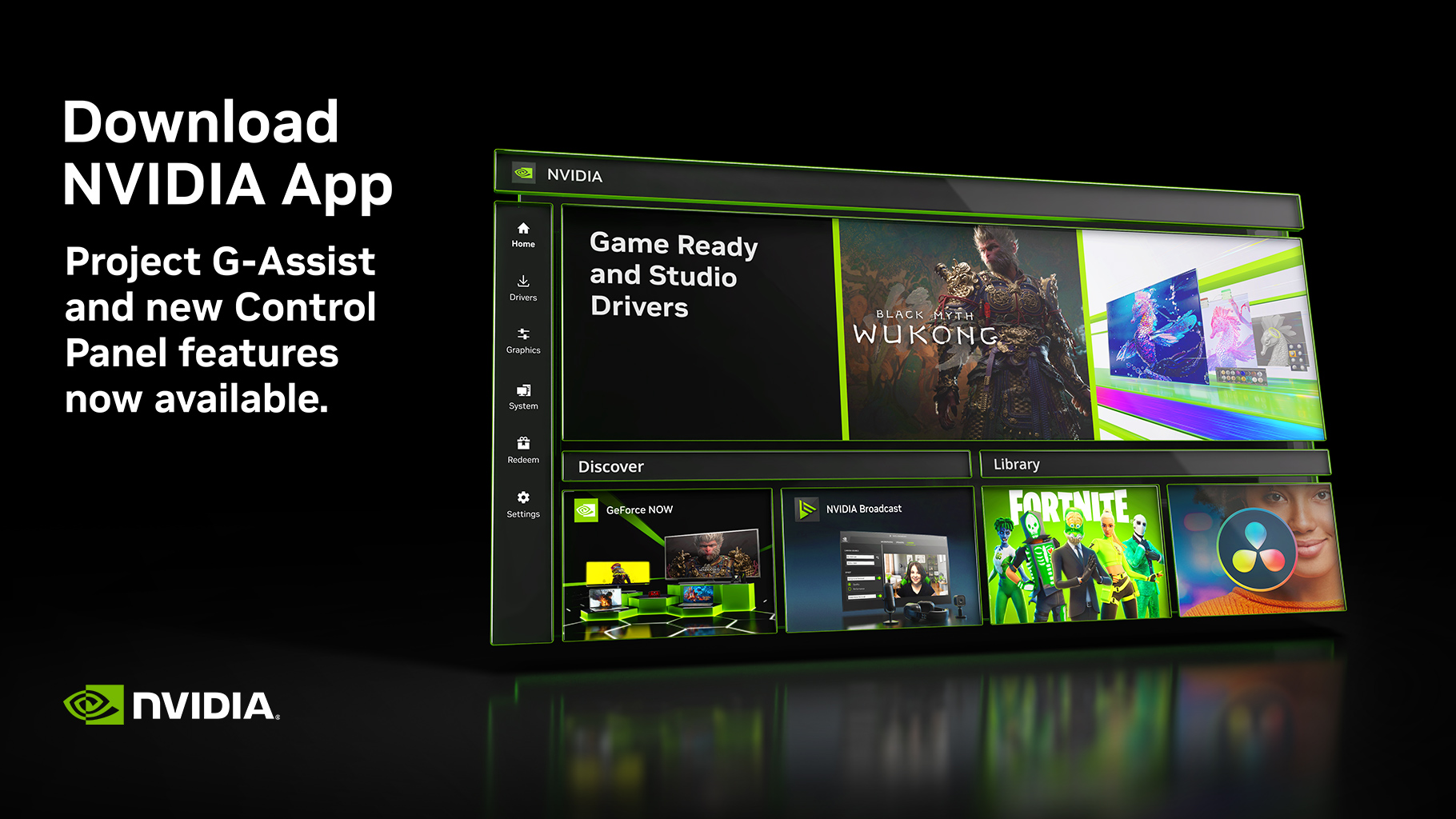
Great news for gamers! The latest NVIDIA App update brings exciting enhancements that will elevate your gaming experience with improved flexibility and customization options. Now, you can access the full range of DLSS Super Resolution presets directly within the application, from Performance to Balanced to Quality. This new development means you can enjoy AI-boosted visuals even in games that initially didn’t support DLSS, adding a touch of brilliance to your gaming sessions.
This change is a game-changer for many, as previously, users were mostly limited to DLAA and DLSS Super Resolution “Ultra Performance” presets. While DLAA offers incredible visual fidelity, it can tax performance, and the ultra performance DLSS mode didn’t quite match up quality-wise to other presets. With more options now at your disposal, users running the latest NVIDIA app, alongside the GRD 572.83 WHQL or newer driver, can select the best preset for their gaming needs.
But that’s not all! NVIDIA has also introduced support for custom resolution scaling, letting you adjust DLSS Super Resolution across a spectrum from 33% to 100%. This means gamers can fine-tune the balance between performance and image quality to their preference. DLAA is at the 100% mark, while 33% represents the “Ultra Performance” mode, allowing an even more personalized gaming experience.
In addition, NVIDIA’s new app update has brought tweaks like the integration of Display Scaling and Display Color settings into its modern interface, evolving beyond the traditional Control Panel App. This shift not only streamlines NVIDIA GPU features but also offers a sleek, user-friendly environment to manage settings more effectively.
Moreover, Project G-Assist’s availability and other functional expansions, including the option to adjust DLSS overrides, now give players the opportunity to either optimize image quality or enhance performance as needed.
With these updates, NVIDIA continues to show its commitment to enhancing gaming experiences, ensuring that you can enjoy beautiful visuals without compromising on performance.