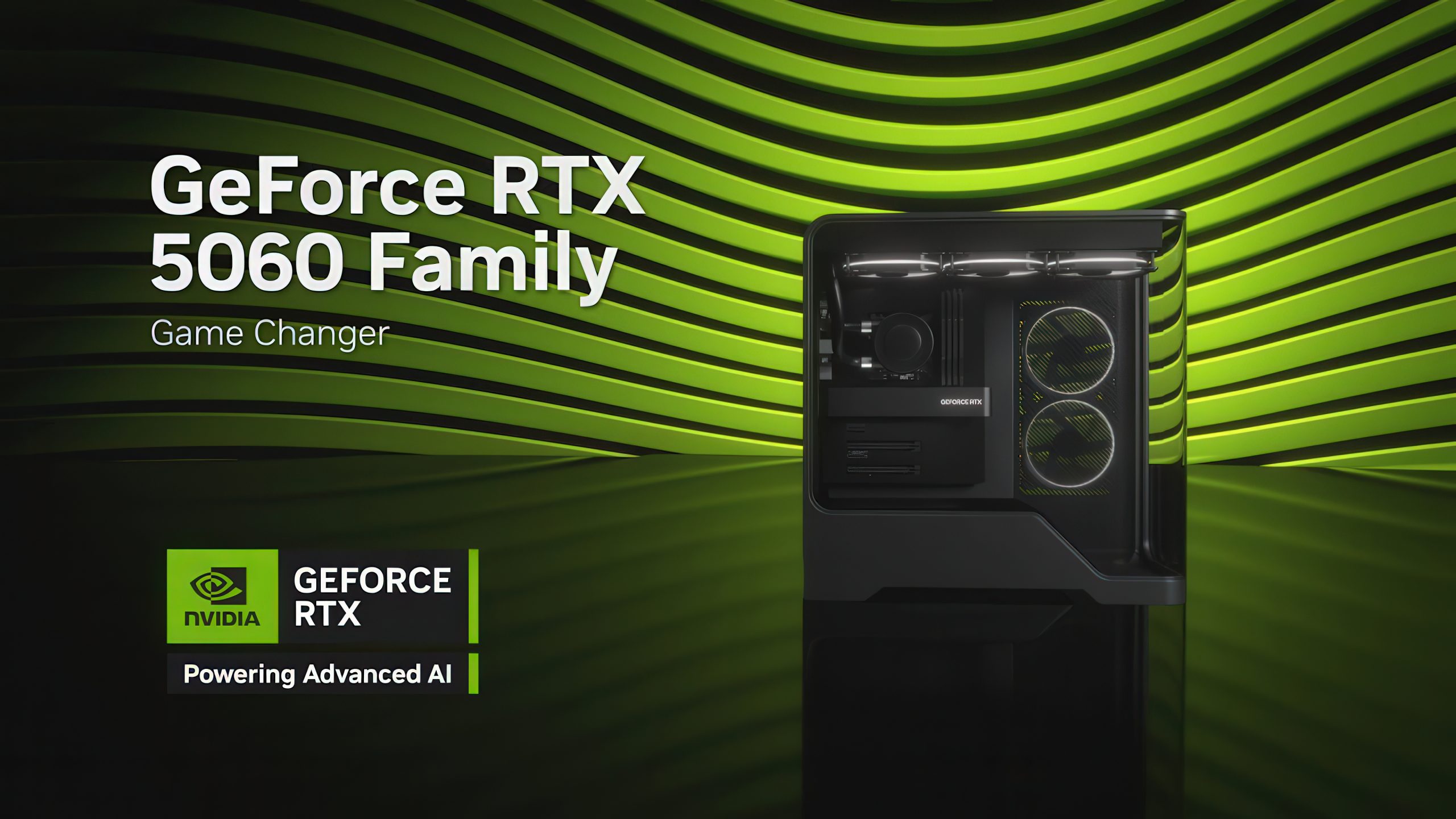
NVIDIA’s RTX 5060 GPUs have been at the center of controversy due to persistent blank or black screen issues reported by numerous users. To address this, NVIDIA has rolled out a new firmware update aimed at resolving the problem.
The RTX 5060 series, including the 5060 Ti, has been plagued with reports of screen blackouts, rendering some graphics cards unusable. This issue isn’t limited to any specific workload or action; it can strike unexpectedly, causing systems to crash or freeze. In some instances, users can’t even reach the BIOS screen, leaving their systems inoperative.
NVIDIA is aware of the complexity of this issue. Recently, one of their employees provided troubleshooting steps, but if those don’t work, users are advised to send crash dump files to NVIDIA for further analysis. To mitigate the problem, NVIDIA has introduced the GPU UEFI Firmware Update Tool v2.0. This update is specifically designed for users experiencing black screens following a system reboot.
It’s important to note that this fix is meant for those who encounter the black screen issue post-reboot. Unfortunately, it doesn’t guarantee a permanent solution for everyone. Some users have reported problems booting up, even immediately after installing the RTX 5060 Ti. While some can only boot into safe mode, others find the GPU incompatible with installed drivers.
NVIDIA has outlined several troubleshooting steps to help address the problem:
1. Completely power down your system before starting it again.
2. Ensure you’re using the latest SBIOS from your motherboard vendor.
3. Switch to UEFI boot mode instead of Legacy/CSM.
4. Boot using an alternate graphics source, such as a secondary card or integrated graphics.
5. After powering on, wait for your operating system to fully load with the graphics driver installed.
If your motherboard doesn’t support UEFI boot mode, contacting your GPU manufacturer’s customer service for a Legacy VBIOS update may be necessary. This ongoing situation highlights the difficulties faced by some RTX 5060 series users and NVIDIA’s efforts to tackle the problem.