PC Builders Beware: Some PC Case Fan and Cooler Clearance Specs May Be Wrong
Choosing parts for a custom gaming PC is already a careful balancing act. You need the right motherboard, CPU, RAM, graphics card, power supply, storage, and cooling setup. But there is one detail many builders trust without double-checking: the case manufacturer’s clearance specifications.
That trust may be misplaced.
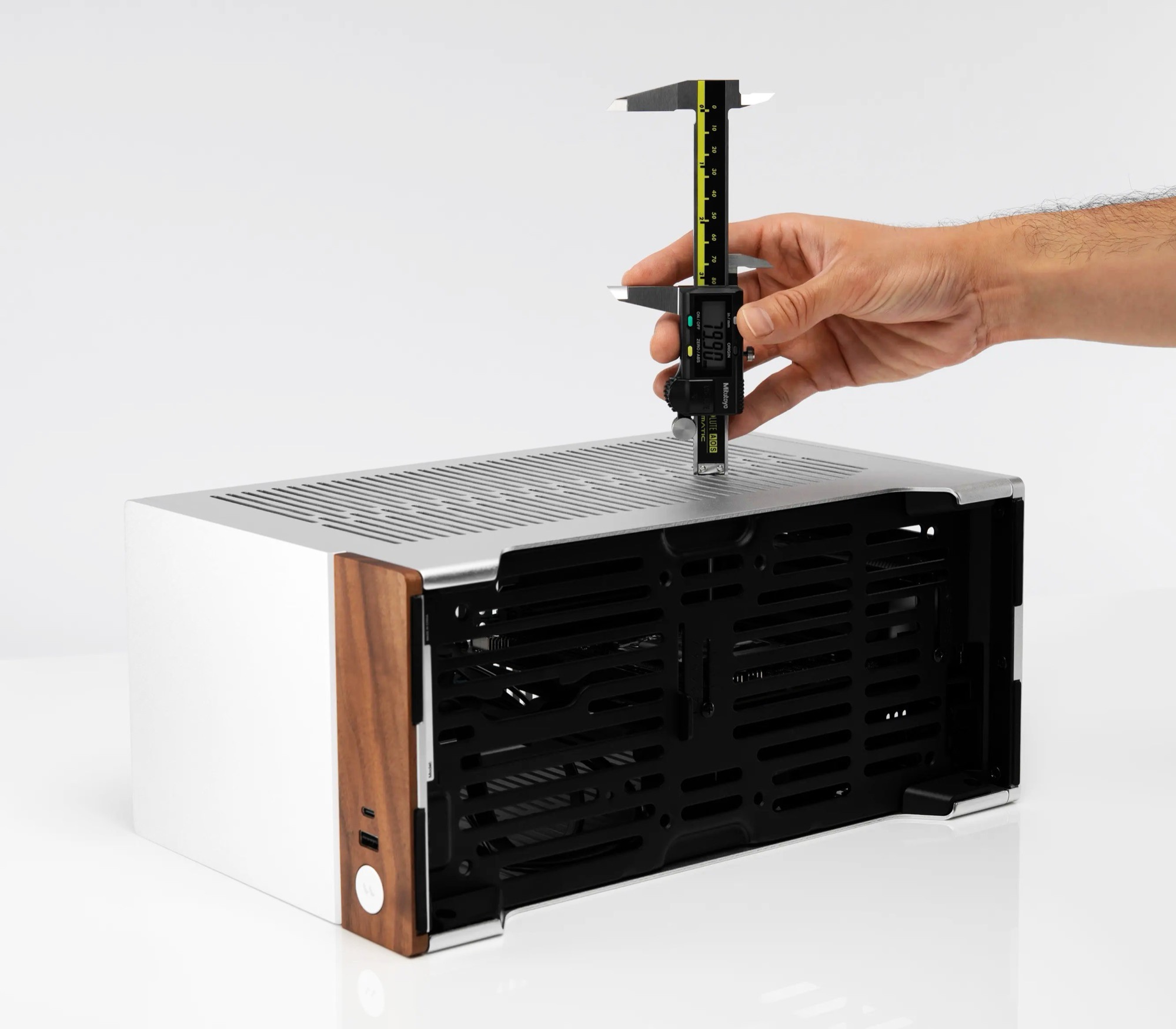
Noctua has been measuring PC cases on its own and found that many advertised compatibility numbers do not match real-world measurements. In more than 50 cases, the listed dimensions were inaccurate enough to affect whether a CPU cooler or fan would actually fit inside the case.
This matters because even a few millimeters can decide whether your expensive air cooler fits perfectly, presses against the side panel, or simply cannot be installed at all.
According to Noctua’s measurements, some cases offer less space than the official specifications claim. One example is the Asus Prime AP201, which is advertised with 170 mm of CPU cooler clearance. Noctua measured the available space at around 168.3 mm. That difference may sound small, but it means a large cooler such as the Noctua NH-D15 G2 has extremely little room to spare.
Another example is the Lian Li B4-mATX. While the case is listed with 168 mm of CPU cooler clearance, Noctua measured only about 164.5 mm. In that situation, a cooler expected to fit based on the official spec sheet may not fit at all.
For PC builders, this can lead to frustration, wasted time, returns, and unexpected compatibility problems. A cooler that looks compatible on paper might become a serious issue once the build begins.
Interestingly, Noctua also found the opposite problem in many cases. Some manufacturers list clearance numbers that are too conservative. That means a case may support a larger cooler or fan than the official specifications suggest.
This is important for anyone trying to build a quieter and cooler PC. Larger CPU air coolers and bigger fans often deliver better cooling performance at lower noise levels. If the official case specs underestimate the available space, buyers may unnecessarily choose a smaller cooler and miss out on better thermal performance.
Noctua has reportedly measured more than 100 PC case models so far and found incorrect advertised dimensions in 56 of them. That is a significant number, especially for users building compact systems where every millimeter counts.
Small form factor PCs, micro-ATX builds, and airflow-focused gaming systems are particularly sensitive to clearance accuracy. In these builds, CPU cooler height, radiator support, fan thickness, motherboard layout, RAM height, and cable routing can all affect the final result.
The takeaway is simple: do not rely only on the case manufacturer’s spec sheet when planning a PC build.
Before buying a large CPU air cooler, all-in-one liquid cooler, or thick case fan, it is worth checking real-world compatibility data whenever possible. Noctua maintains its own compatibility information for its coolers, helping users see which models fit specific PC cases and which ones may be too large.
This is especially useful for popular high-end air coolers, which often sit close to the maximum clearance limit of many cases. A difference of 2 mm or 3 mm can be the difference between a clean installation and a side panel that will not close.
For anyone planning a new gaming PC, workstation, or compact desktop build, accurate cooler clearance is just as important as checking socket compatibility or GPU length. A powerful cooling system can improve performance, reduce noise, and extend component lifespan, but only if it physically fits inside the case.
The best approach is to compare multiple sources, look for hands-on measurements, check community build photos, and use official compatibility databases from cooler manufacturers where available.
PC case specifications are a helpful starting point, but as Noctua’s measurements show, they should not always be treated as final proof of compatibility. If you are investing in premium cooling hardware, a few minutes of extra research can save you from a costly and annoying build problem later.