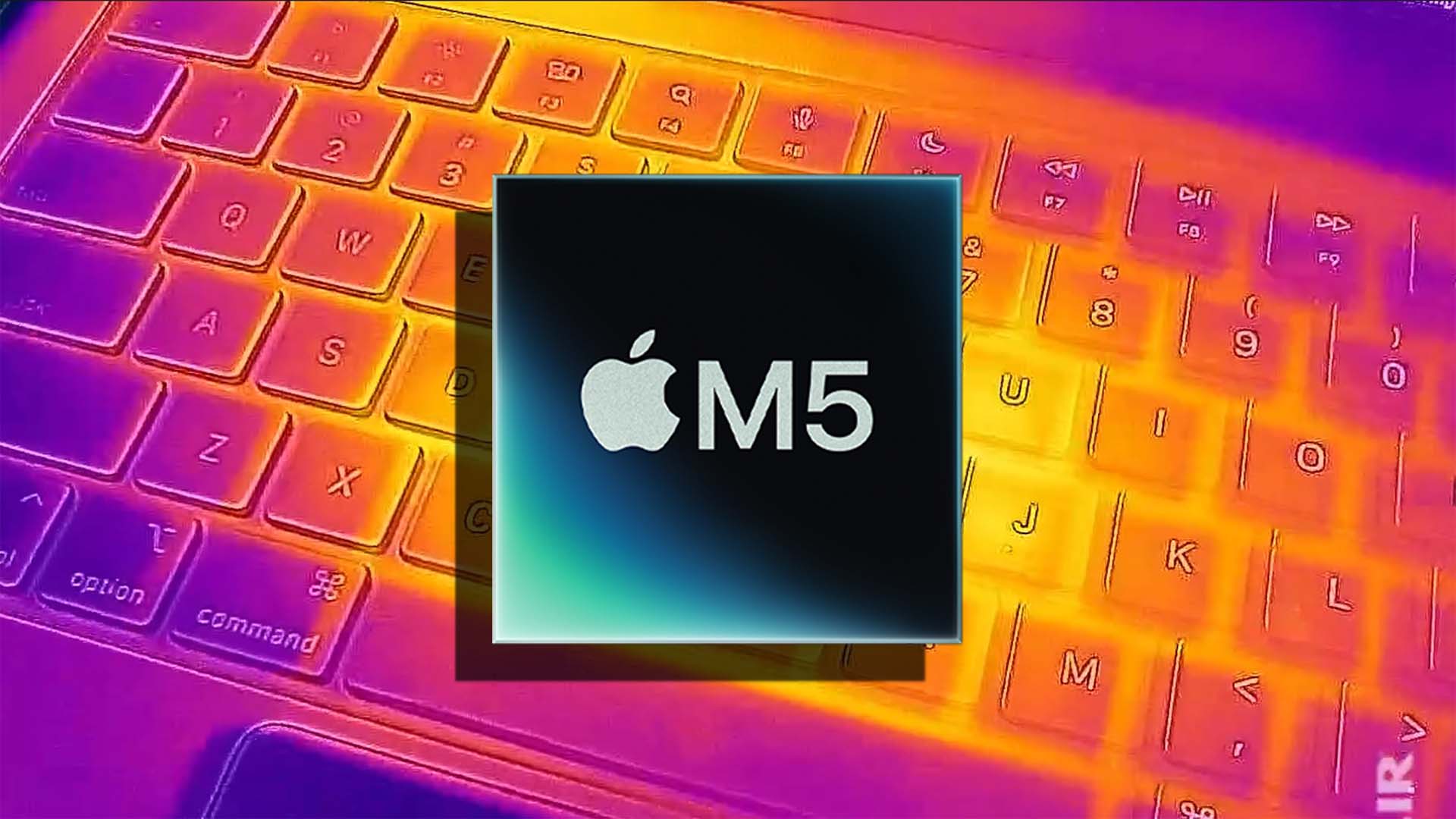
Apple’s transition to its own silicon has largely put the bad old days of scorching-hot Intel laptops behind it. But efficient chips still need smart cooling, and fresh testing shows Apple is quietly refining the thermals without changing the MacBook Pro’s sleek exterior. In head-to-head stress tests, the 14-inch M5 MacBook Pro runs cooler than last year’s M4 model, even though both use the same single-fan, single-heatpipe cooling design.
A series of demanding benchmarks from the Max Tech channel pushed both machines to their limits using Cinebench 2024. This kind of all-core workload is designed to expose thermal headroom and can trigger throttling if the cooling system can’t keep up. The M4 model sailed past 100 degrees Celsius, while the M5 stayed just under that line, suggesting Apple has tuned something meaningful under the hood.
Cinebench 2024 multi-core results reported by Max Tech
– M4 MacBook Pro: core average 100.9°C, core max 114°C, core minimum 94°C, package power 18.4W
– M5 MacBook Pro: core average 98.95°C, core max 99°C, core minimum 99°C, package power 21.81W
Two things stand out. First, the M5 remains below the 100-degree mark in a brutal sustained test where the M4 does not. Second, it does so while pulling slightly more power, indicating better efficiency and thermal behavior rather than simply dialing back performance. That’s impressive given the identical cooling hardware inside the two base models.
What changed? With no new chassis or heatsink, the gains likely come from small but effective tweaks. Possibilities include a more aggressive fan curve that ramps earlier and harder, or a superior thermal interface material between the chip and the heatsink. Compounds such as PTM7950 are known to outperform many conventional pastes and can narrow the gap to liquid metal under sustained loads. Any of these tweaks could explain why the M5 stays in check during punishing CPU tasks.
Real-world heavy workloads tell a similar story. In gaming tests that enable ray tracing—a worst-case scenario for combined CPU and GPU heat—the M5 pushed higher frame rates and kept delivering, suggesting the chip and cooling strategy are better aligned for sustained performance. That bodes well for creators and power users who spend time in multi-core renders, code compiles, and GPU-accelerated apps.
For buyers eyeing the higher-tier chips, the upcoming Pro and Max variants are expected to use a dual-fan design that traditionally offers more thermal headroom. If Apple maintains these tuning improvements across the lineup, the step up in cooling could deliver notably stronger sustained performance.
Already own a 14-inch M4 MacBook Pro and want lower temps without upgrading? One advanced option is replacing the thermal paste with a high-performance pad such as PTM7950. It’s reusable and relatively affordable, but this is a do-it-yourself job that requires disassembling the laptop, so proceed only if you’re confident in your skills. Otherwise, consider external cooling aids or ensuring the device has ample airflow to minimize heat buildup under load.
Bottom line: The M5 MacBook Pro shows meaningful thermal improvements inside the same chassis. It runs cooler under extreme stress, sustains performance better, and does so with essentially the same cooling hardware. Subtle changes—likely smarter fan control and a better thermal interface—appear to make a big difference, and that’s good news for anyone who pushes their MacBook Pro hard.