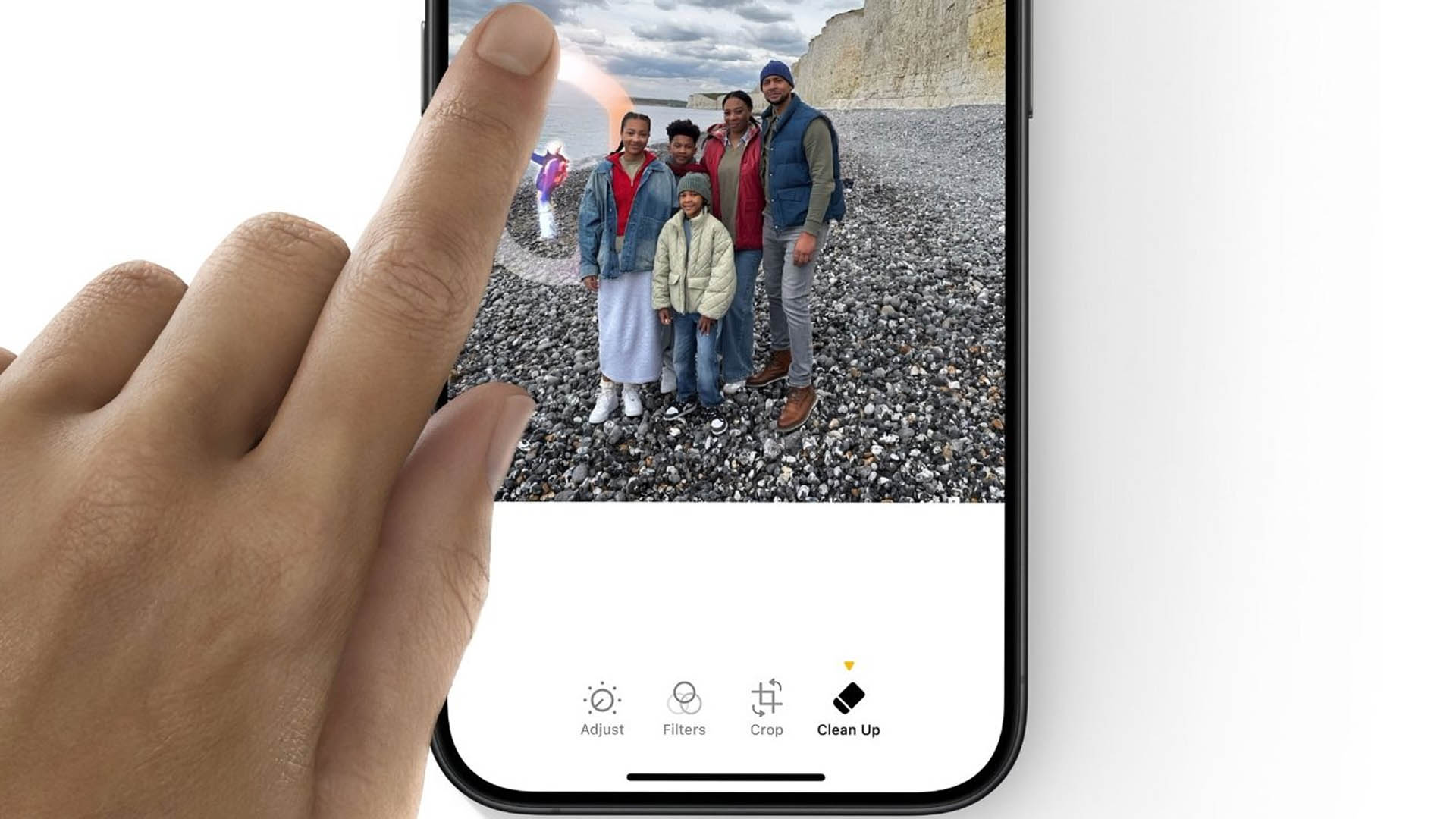
iOS 27 Clean Up gets a major AI upgrade, fixing one of Apple’s most criticized photo editing features
Apple’s Clean Up tool is finally starting to look like the AI photo editing feature many iPhone users expected from the beginning. After a rough debut in iOS 26, where edited photos often turned into warped, blurry, or unnatural-looking results, iOS 27 appears to bring a dramatic improvement.
Clean Up was designed to let users remove unwanted objects or people from photos with a simple tap or brush gesture. In theory, it should work like magic: select the distraction, let AI rebuild the background, and end up with a cleaner image. In practice, the iOS 26 version often struggled, especially when faces or complex details were involved. Instead of producing a natural edit, it sometimes created distorted facial features, melted textures, and strange patches that were easy to spot.
With iOS 27, that appears to be changing in a big way.
Early examples shared by users show that the upgraded Clean Up feature now creates far more realistic edits. One of the most noticeable improvements is how it handles people in photos. In iOS 26, removing objects near a person’s face could produce bizarre results, with the software trying and failing to reconstruct missing facial details. In iOS 27, the same type of edit looks much cleaner, with smoother blending, more natural skin tones, and fewer obvious AI artifacts.
The result is a photo editing tool that feels much closer to what users expect from modern AI-powered image tools. Instead of leaving behind a garbled mess, Clean Up now seems capable of producing a final image that looks polished and believable.
The key to getting the best results in iOS 27 is Apple’s cloud-based AI processing. Users testing the feature have noted that choosing the auto or high-quality option allows the iPhone to rely on more powerful cloud AI models instead of processing everything directly on the device. That extra processing power can make a major difference, especially when the edit involves complex scenery, people, faces, or detailed backgrounds.
On-device AI still has its advantages. It can be faster, more private, and available without depending as heavily on remote processing. However, when it comes to producing the cleanest and most realistic edits, the cloud-based option currently appears to deliver better results.
This upgrade also brings Apple closer to the level of AI photo editing already seen on Samsung’s Galaxy AI features. Samsung has leaned heavily into AI-powered image editing, including object removal, background reconstruction, and other generative tools. With iOS 27, Apple’s Clean Up now looks much more competitive, giving iPhone users a stronger built-in alternative for quick photo fixes.
A major reason for the improvement appears to be the use of Gemini-powered technology behind the scenes. By using more advanced AI models, the Clean Up tool can better understand what should replace the removed object and how to blend that replacement into the surrounding image. This leads to more natural-looking edits and fewer strange visual mistakes.
Still, not everyone is fully satisfied. Some users argue that Apple should be able to produce the same level of quality using its own on-device AI models rather than relying on cloud-based processing. That criticism is understandable, especially because Apple often emphasizes privacy, local processing, and tight hardware-software integration. For many iPhone owners, the ideal version of Clean Up would deliver top-tier results directly on the device.
Even so, the progress from iOS 26 to iOS 27 is hard to ignore. In just one year, Clean Up has gone from being one of Apple’s most mocked AI features to one that genuinely feels useful. The tool now seems far better at removing distractions, repairing backgrounds, and keeping photos looking natural.
For everyday users, this could make a real difference. Whether removing a stranger from a vacation photo, cleaning up clutter in the background, or fixing a small distraction in a portrait, iOS 27’s Clean Up feature may finally be reliable enough to use regularly.
Apple still has work to do if it wants its own AI models to match the best cloud-based results. But with iOS 27, the company has taken a major step forward. Clean Up no longer feels like an unfinished experiment. It now looks like a serious AI photo editing feature that could become one of the most useful tools in the iPhone Photos app.


