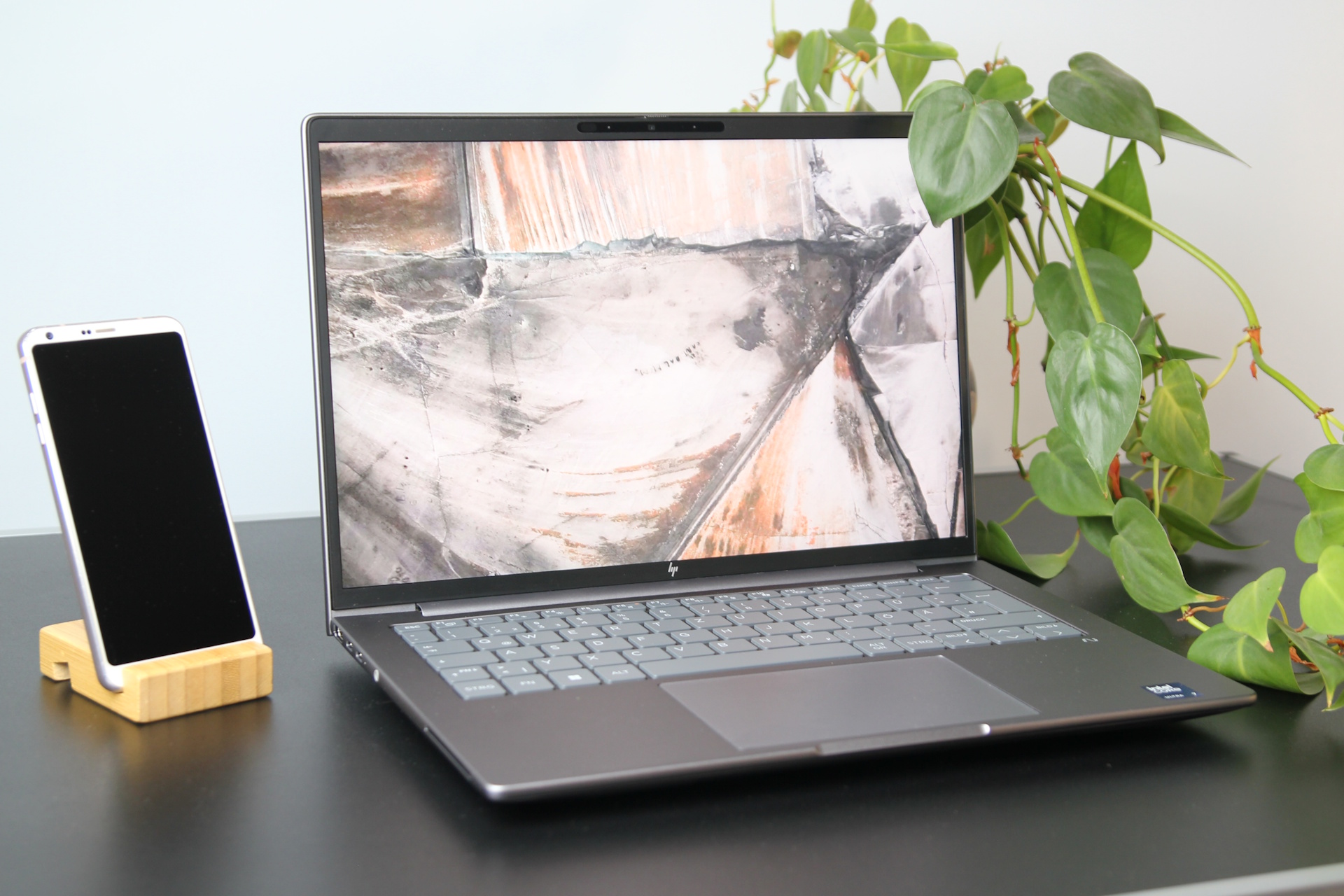
HP’s ZBook 8 G1i 14 gives creators real choice where it matters most: the screen. Depending on how and where you work, the right panel can make a big difference in color accuracy, clarity, and visibility in bright environments.
Here’s what stands out from the lineup:
– 1200p at 800 nits, available in both touch and non-touch. It’s exceptionally bright, making it a strong pick for outdoor use or harsh lighting. However, it’s tuned primarily for 100% sRGB, so it’s not the widest-gamut option for color-critical workflows.
– 1600p with wide color coverage. In testing, this panel delivered full sRGB and DCI-P3, and nearly full AdobeRGB, making it the more suitable choice for photo, video, and design professionals who prioritize accurate, expansive color. Our test unit’s 1600p display measured 429 nits of brightness.
– Additional 1200p choices at 400 nits or 300 nits. The 300-nit version supports touch, offering a more budget- and battery-friendly path if you value pen or fingertip input over sheer brightness.
Which display should you pick?
– For color-sensitive work: Choose the 1600p panel. Its coverage of sRGB and DCI-P3, plus near-complete AdobeRGB, gives you the fidelity needed for grading, retouching, and proofing.
– For maximum brightness: Go for the 1200p 800-nit screen. It outshines the others and remains readable in sunlight or brightly lit studios, though it’s limited to the sRGB color space.
– For touch input and everyday tasks: The 1200p 300-nit touch option is the most accessible way to get touch support. The 400-nit 1200p variant sits in the middle for brightness, without the extreme luminance of the 800-nit model.
A quick note on testing
We can only confirm the performance of the 1600p panel we used, which hit 429 nits in our unit and achieved the wide color coverage noted above. Brightness, contrast, and color uniformity can vary by configuration, so consider your environment and workload before finalizing your choice.
Bottom line
– Editors, photographers, and designers should prioritize the 1600p display for its superior color gamut.
– Field workers, presenters, and anyone battling glare will appreciate the 1200p 800-nit option.
– Touch users on a tighter budget can look to the 1200p 300-nit configuration.
With this range of panels, the HP ZBook 8 G1i 14 lets you tailor your 14-inch creator workstation for accurate color, peak brightness, or touch convenience—whichever best fits your workflow.