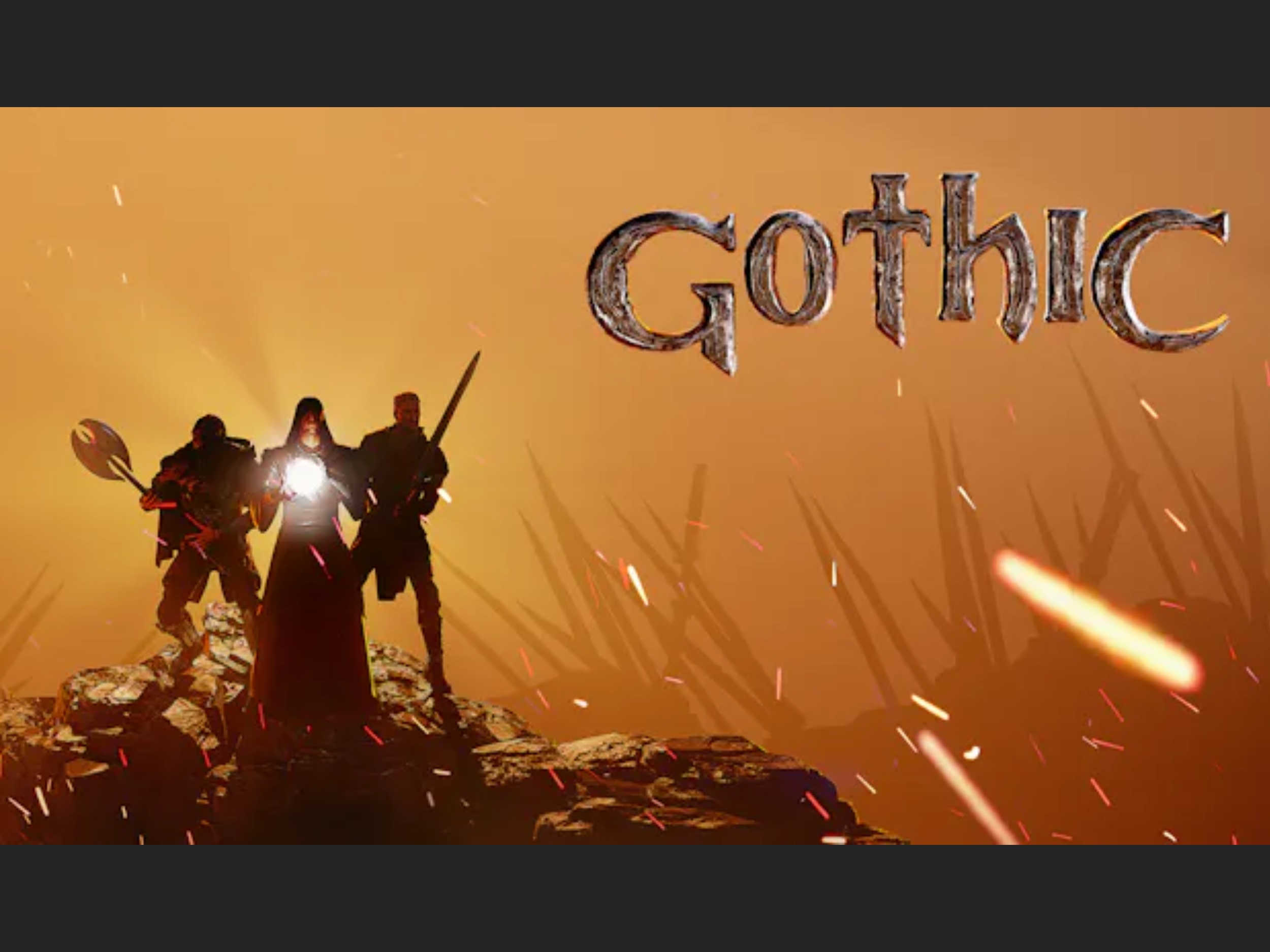
Fans of the cult classic RPG Gothic 1 have a reason to rejoice, as an impressive remaster using Unreal Engine 4 has been made available. Those who hold a Steam copy of the original game can immerse themselves in the revamped experience for free. This guide will walk you through accessing and enjoying the Gothic 1 remaster.
Accessing the Gothic 1 Remaster:
1. Launch Steam and navigate to your game library.
2. Find Gothic 1 in your list of games.
3. Right-click on the Gothic 1 title and select the “Properties” option.
4. A new Properties window will appear.
5. Click on the “Betas” tab within the Properties window.
6. In the “Private Betas” section, you’ll see an option to enter an access code.
7. Enter the code “TheColonyisNotUnreal” (without quotes) into the designated field.
8. Upon entering the code, you’ll gain access to the remaster.
9. Proceed to download the game files.
10. Once the download is complete, install the remaster.
11. Start the game to begin your remastered adventure in the world of Gothic.
By providing free access to the remastered version for owners of the original game, the developers show their appreciation for the game’s dedicated community. The Unreal Engine 4 upgrade delivers enhanced graphics and potentially smoother gameplay, granting a fresh take on the beloved game.
The Gothic series has long captured the hearts of RPG fans with its deep lore, challenging gameplay, and atmospheric world design. The remaster promises to heighten these elements, giving newcomers and veterans alike a reason to explore the world of Gothic once more.
As RPGs continue to evolve, remasters like this offer a bridge between nostalgic experiences and modern gaming standards. By taking advantage of such updates, players can revisit classic titles in a new light while developers gain an opportunity to re-introduce their work to the global gaming community.
Practical advice for the best remastered experience:
– Ensure your PC meets the system requirements for the Unreal Engine 4 version of the game.
– Consider using a controller for a comfortable gaming experience if the game supports it.
– Customize the graphics settings to balance performance and visuals on your machine.
– Engage with community forums for tips and advice on overcoming challenging parts of the game.
Revisiting a classic like Gothic with updated graphics can provide a fresh gaming experience. By following the steps outlined above, you can easily jump into the Gothic universe and discover or rediscover the magic that made the original game a hit in the RPG genre. The decision to offer the remaster for free to existing owners on Steam reflects a trend in the gaming industry to honor the loyalty of fans, a practice that garners goodwill and maintains enthusiasm for a game long after its initial release.


