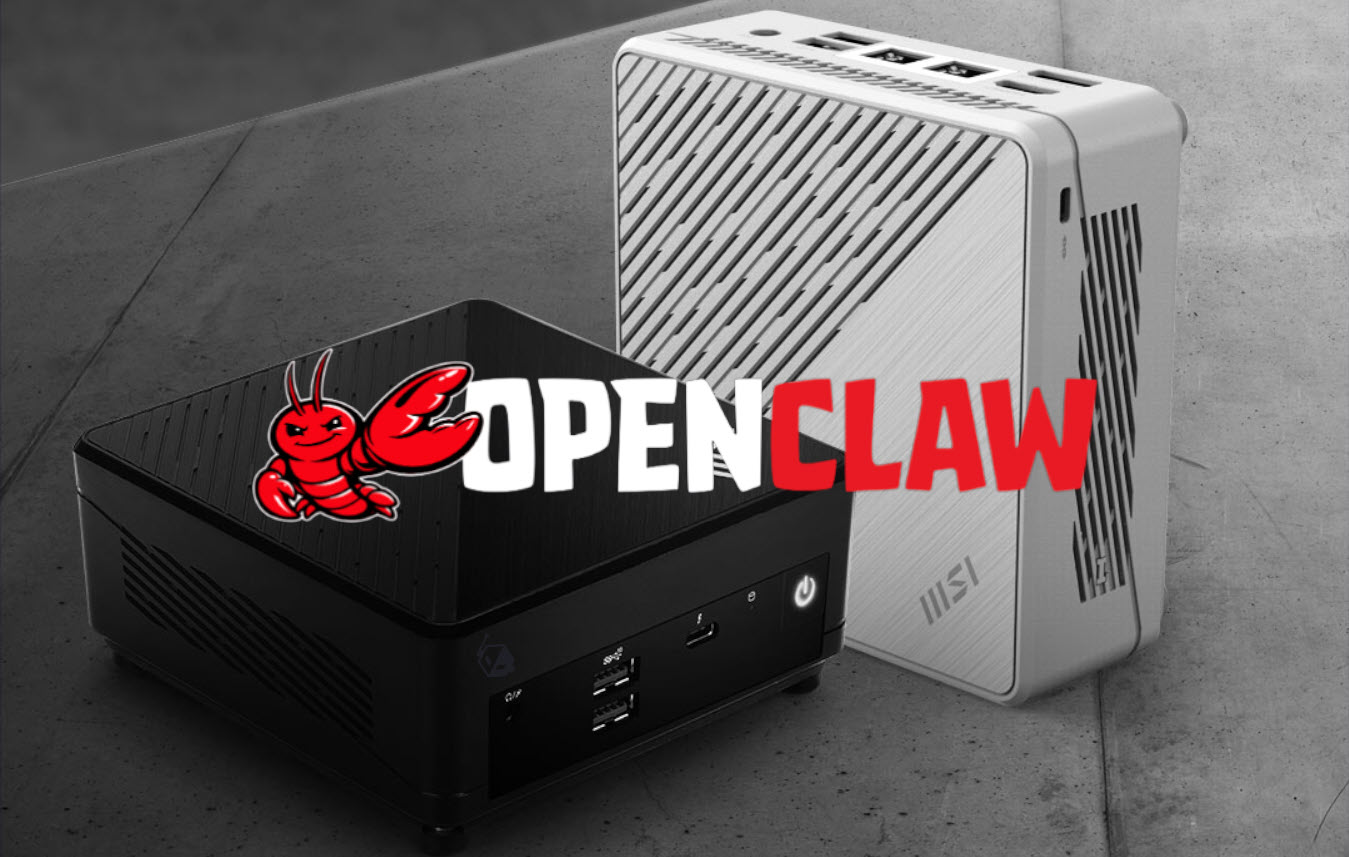
A Reddit user has turned MSI’s tiny Cubi Mini PC into a surprisingly capable AI assistant box by installing the OpenClaw AI agent on Linux. The setup highlights a growing trend: more people are experimenting with AI agents that can act like always-on personal assistants, especially on small, efficient PCs that can stay running without taking up desk space.
AI agents like OpenClaw have been getting a lot of attention lately because they go beyond simple chat. They can interact with your computer directly, including opening files, checking information stored locally, and helping with everyday workflows as long as the device supports persistent memory and the user grants the necessary system access. That “full access” ability is exactly what makes these tools powerful—and also what makes some users cautious.
In this case, the Redditor said they struggled to get OpenClaw working on Windows, even after trying multiple guides. The breakthrough came after switching the Cubi Mini PC to Linux. With Ubuntu installed and the Curl package available, the user was able to get the AI agent running smoothly. Other community reports suggest this isn’t unusual, as Linux can be more straightforward than Windows for installing and running certain AI agent frameworks and dependencies.
The user also shared real-world impressions after using OpenClaw for about a week. They were impressed by how effectively the agent could control the computer and assist with daily work tasks, but they raised two major concerns that many potential users will recognize.
First is security and privacy. Giving an AI agent broad access to a PC can be risky if you’re worried about sensitive data, unintended actions, or the possibility of exposure through misconfiguration or malicious activity. Anyone exploring AI agents that can control a desktop environment should think carefully about permissions, what data is accessible, and how the system is protected.
Second is cost. The Redditor noted that API and token usage can add up quickly depending on how heavily you rely on the assistant. They reported spending around $150 in API billing over a week of use. They also mentioned testing a separate API with fewer than 100 uses, which stayed within a free plan. Still, they estimated that using the AI agent full time could push costs much higher—potentially around $1,000—unless future improvements reduce token usage and overall operating expenses.
Despite the positives, the user made it clear they still want better Windows support. That’s an important point for wider adoption, since many people rely on Windows for work and may not want to switch operating systems just to run an AI assistant locally.
MSI’s Cubi Mini PC line is typically aimed at office, business, and personal computing, but its small 0.66-liter chassis and compatibility with Linux make it an interesting match for always-available AI agents. With the right configuration, a compact mini PC can become a dedicated AI assistant machine that sits quietly on a desk, ready to help pull local info, streamline tasks, and respond quickly—without needing a bulky desktop tower.
As AI agents continue to evolve, expect to see more users experimenting with setups like this—especially if installation becomes easier on Windows and token costs become more manageable for everyday, full-time use.