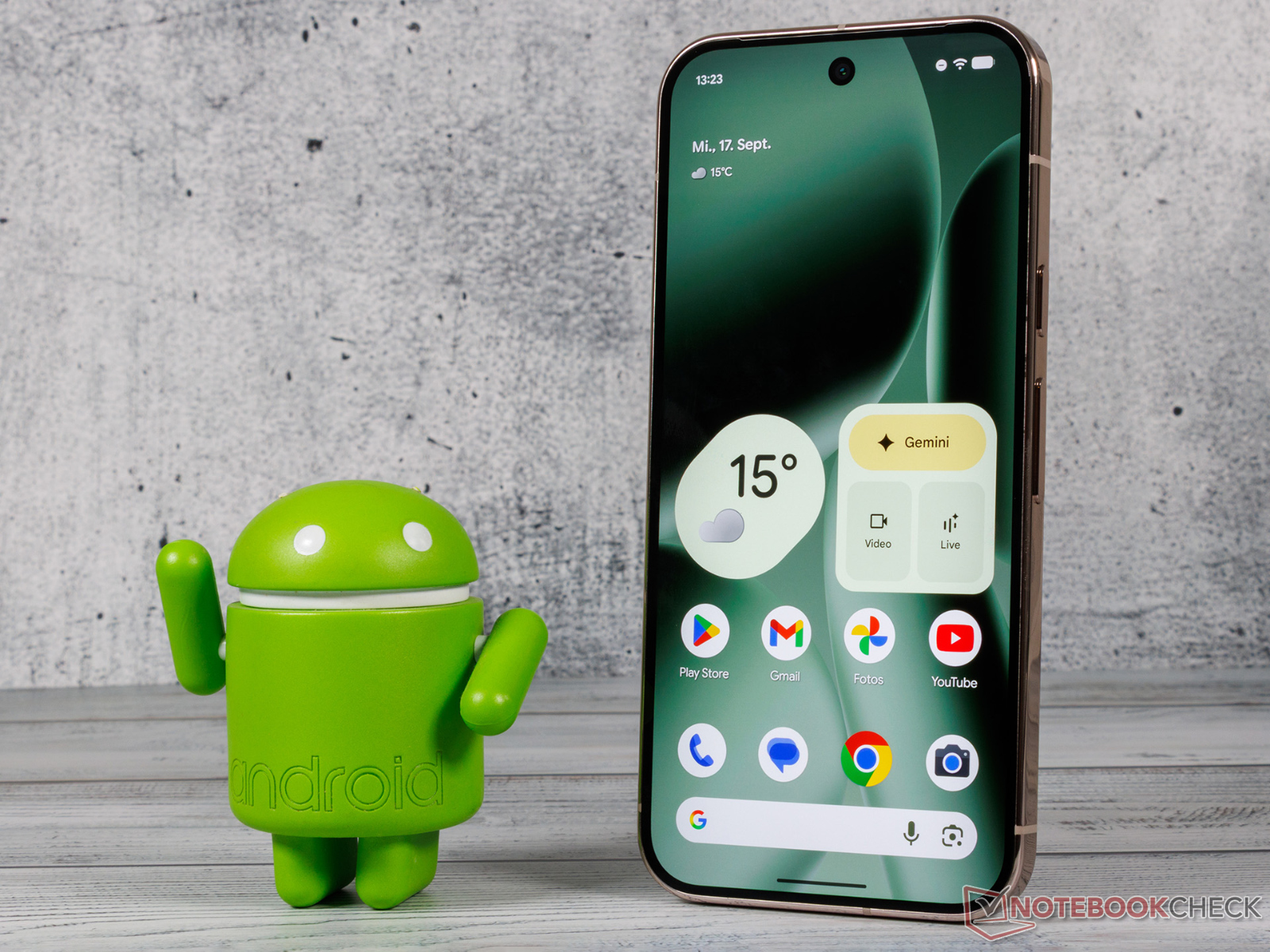
Google’s October 2025 update is now rolling out to a wide range of Pixel devices, delivering important stability and UI fixes that target lingering issues across multiple generations. The release covers everything from the Pixel 7 family to the latest Pixel 10 models, plus the Pixel Fold and Pixel Tablet, with region-wide availability.
Highlights at a glance
– Smoother, more reliable displays across affected models
– Targeted fixes for the Pixel 7 series, Pixel 10 series, and Pixel Tablet
– Camera and Media Output Switcher UI improvements
– At a Glance widget fix for flashlight status on newer models
Build numbers and availability
– Pixel 7 through Pixel 9 series (including Pixel Fold and Pixel Tablet): BP3A.251005.004
– Pixel 10, Pixel 10 Pro, Pixel 10 Pro XL: BD3A.251005.003
Google states the rollout is global, so timing may vary slightly by carrier and region.
What’s fixed
– Pixel 7 series: Resolved display flickering and unexpected shutdowns that could occur under certain conditions.
– Pixel 10 series: Fixed an issue that could lead to frozen or fuzzy screens in specific scenarios.
– Pixel Tablet: Addressed a rare stability issue that could cause system instability.
– Camera UI: Fixed a problem where a semi-transparent background might persist after launching the camera.
– At a Glance: Corrected a bug where the flashlight status wouldn’t appear in certain situations on Pixel 9 and Pixel 10 devices.
– Media Output Switcher: Fixed a System UI crash that could occur when starting or stopping casting in certain conditions.
Why this update matters
This release focuses squarely on reliability. If you’ve noticed display anomalies, intermittent shutdowns, or quirky UI behavior around the camera or casting, this patch should noticeably tighten the experience, especially on the Pixel 7 and Pixel 10 families. Owners of the Pixel Tablet should also see improved stability in occasional edge cases.
How to update
– Open Settings
– Tap System
– Tap System update
– Download and install if available, then restart
Tip: After rebooting, revisit System update to check for any follow-up patches. Ensure you have sufficient battery or connect to power during installation.
Bottom line
The October 2025 update is a must-install for Pixel users. It targets the most disruptive bugs reported across recent generations, refining display performance, cleaning up UI glitches, and improving overall stability on phones, foldables, and the Pixel Tablet. If your device is listed, check for the update and install it as soon as it hits your region.