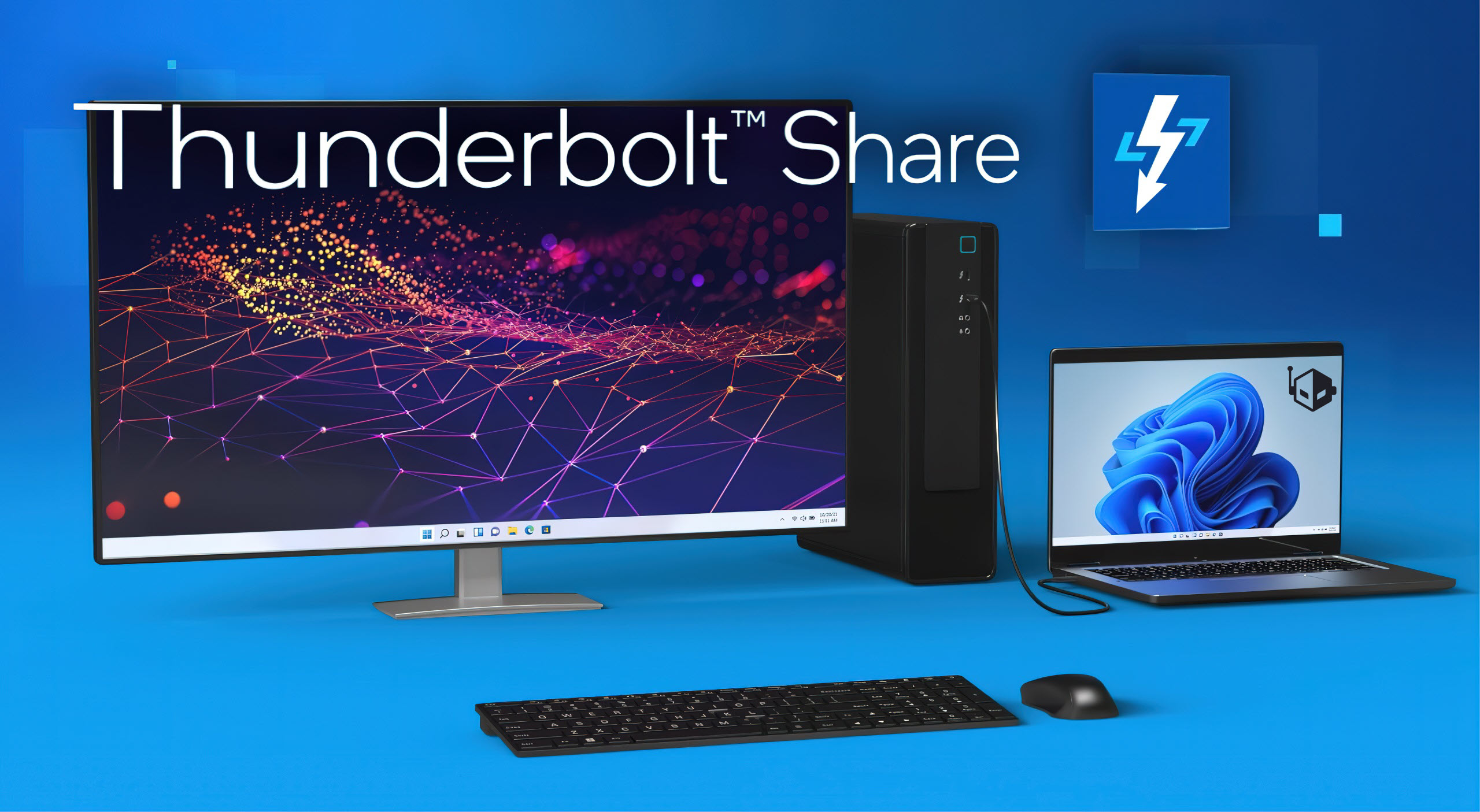
Intel has unveiled a progressive new software known as Thunderbolt Share, which promises to redefine how users can increase productivity through PC-to-PC connectivity. Developed with the needs of creators, gamers, and business professionals in mind, Thunderbolt Share simplifies the process of connecting and operating two PCs simultaneously, paving the way for a more cohesive and efficient workflow.
What is Intel Thunderbolt Share?
Thunderbolt Share harnesses the power of Thunderbolt 4 and the future Thunderbolt 5 technologies to facilitate an ultra-fast connection between two PCs. Users can enjoy a seamless experience while sharing screens, as well as accessing keyboards, mice, and storage files—tools essential for today’s dynamic business and creative environments.
Key Benefits of Thunderbolt Share
– Lightning-fast connections with high bandwidth and ultra-low latency
– Quick and secure access to share monitors, keyboards, mice, and storage
– Streamlined data transfers from old computers to new ones
– Synchronize folders and effortlessly drag and drop files at Thunderbolt speeds
– Hardware-based security for peace of mind within SMB/commercial settings
This cutting-edge software is designed to work in conjunction with Windows OS and is compatible with all Thunderbolt 4 and Thunderbolt 5 products, as part of select new Thunderbolt-enabled PCs and accessories.
Market Research Behind Thunderbolt Share
Intel’s market research indicates that the typical user within the gaming, prosumer, and professional brackets typically owns at least two PCs at home, with laptops often serving as the primary device and desktops reserved for more demanding tasks. This scenario results in the presence of crucial data on both devices that users frequently need to transfer. Thunderbolt Share serves as the perfect bridge for such requirements.
Versatility in Configuration and Use
Thunderbolt Share introduces an array of flexible configurations for users. It supports diverse setups such as a laptop and desktop duo or two laptops connected together, all channeled through a Thunderbolt-supported monitor or dock. Regardless of the configuration, users can expect a consistent and efficient experience.
User-Friendly Interface and Excellent Performance
The inclusion of an intuitive user interface makes syncing and sharing files between PCs a breeze. With the enhanced speeds of the Thunderbolt interface, dragging and dropping files is instantaneous, and screen sharing is executed without hiccups. All of this maintains the source PC’s original resolution, devoid of compression issues or latency.
Industry Support and Availability
Intel’s Thunderbolt Share is not only a milestone for end users but also holds significant value for OEM partners. Leading manufacturers such as MSI, Lenovo, ACER, and RAZER are some of the first to adopt this software, integrating it as a value-added feature in their upcoming products and accessories. Users can look forward to the introduction of this technology in the new wave of PCs, enhancing their ability to create, play, and work more efficiently than ever before.
Thunderbolt Share represents a leap forward in inter-PC communication, offering unprecedented ease in managing multiple devices and tasks. As such, professionals and enthusiasts alike should anticipate a more connected and productive future facilitated by this innovative Intel software.