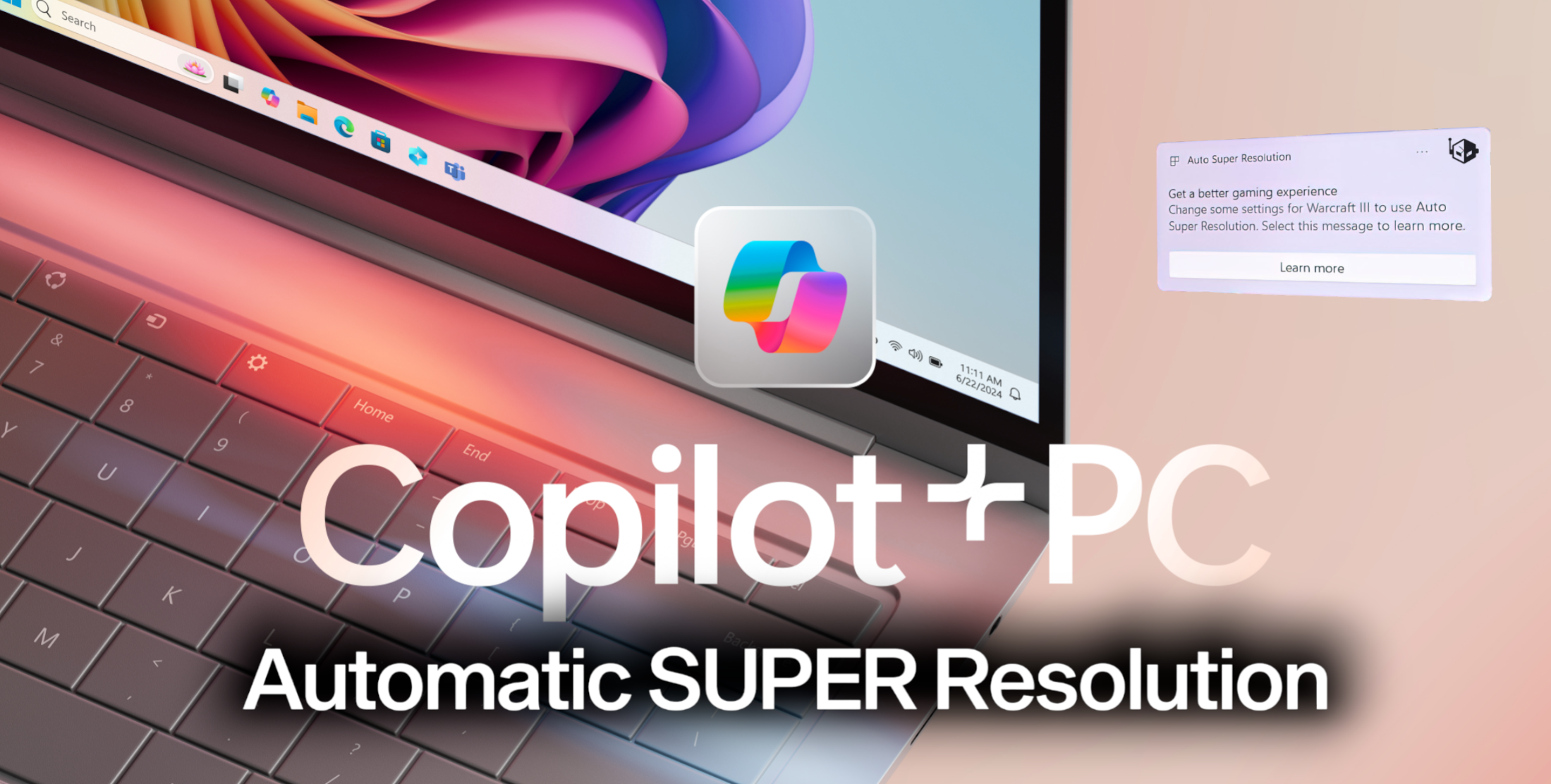
Microsoft is pioneering a new chapter in visual enhancements with the introduction of its groundbreaking upscaling technology, named Automatic Super #Resolution (Auto SR). This technology marks a significant advancement as it is integrated directly into the operating system, leveraging the artificial intelligence (AI) capabilities of modern processors rather than relying solely on graphics card power.
The Inner Workings of Automatic Super Resolution
Utilizing the AI engines found in the latest processor chips, such as those from Qualcomm’s Snapdragon X Series, Auto SR can enhance image quality and provide a superior gaming experience. Its initial release is set to target Microsoft’s Copilot+ certified AI PCs, which will be the first to benefit from this technology.
Auto SR stands out by enabling improved frame rates and enriched visual details in real-time. Unlike traditional upscaling methods that can depend heavily on the graphics processing unit (GPU), Auto SR works in harmony with central processing units (CPUs) that have a dedicated Neural Processing Unit (NPU). However, it’s vital to recognize that Auto SR will only be compatible with CPUs equipped with an NPU, indicating a selective compatibility at the outset.
Comparatively, Microsoft’s technology boasts significant advantages over existing scaling and sharpening solutions, like NVIDIA’s Image Scaling and AMD’s Radeon Super Resolution, which do not utilize AI to the same extent. Auto SR promises a more user-friendly experience with minimal manual intervention needed, starting its upscaling process automatically upon launching a compatible game.
Microsoft further explains the technical side of Auto SR, revealing that it harnesses a convolutional neural network trained specifically with gaming-related data. This enables the NPU to perform numerous calculations and memory transfers efficiently, thereby boosting the overall performance of the system.
How to Enable Automatic Super Resolution
Activating Auto SR is straightforward:
1. Navigate to the Windows Settings.
2. Select System, followed by the Display and Graphics panel.
3. Toggle the Automatic Super Resolution feature to ‘on.’
System Requirements for Auto SR
To use Auto SR, your PC must meet these criteria:
– Must be a Copilot+ PC with a Snapdragon X Series processor featuring the Hexagon NPU and an integrated GPU.
– Operating on Windows 11, version 24H2, or later editions.
– Updated with the latest graphics and neural processor drivers, which can be checked for under Windows Update in system settings.
– A display resolution of 1080p or higher is also essential.
– An installed latest version of the Auto Super Resolution Package is required.
Game Compatibility with Auto SR
Auto SR supports most games that are built on:
– DirectX 11 or DirectX 12 platforms.
– Emulated x64 or Arm64 native platforms.
Looking ahead, the potential for widespread adoption of Microsoft’s Auto SR technology is on the horizon with the forthcoming release of Intel’s Lunar Lake and AMD’s Ryzen AI 300 CPUs. As more hardware supports AI processing, Auto SR could become an indispensable feature for any avid gamer, offering unprecedented visual quality and smooth gameplay.
Overall, Microsoft’s Auto SR technology constitutes an impressive design in the realm of AI-upscaling, positioning itself as a strong contender against the industry’s traditional offerings. Excitement is building around which games will be compatible with Auto SR, promising an advanced gaming experience that has the potential to redefine performance and visual standards.


