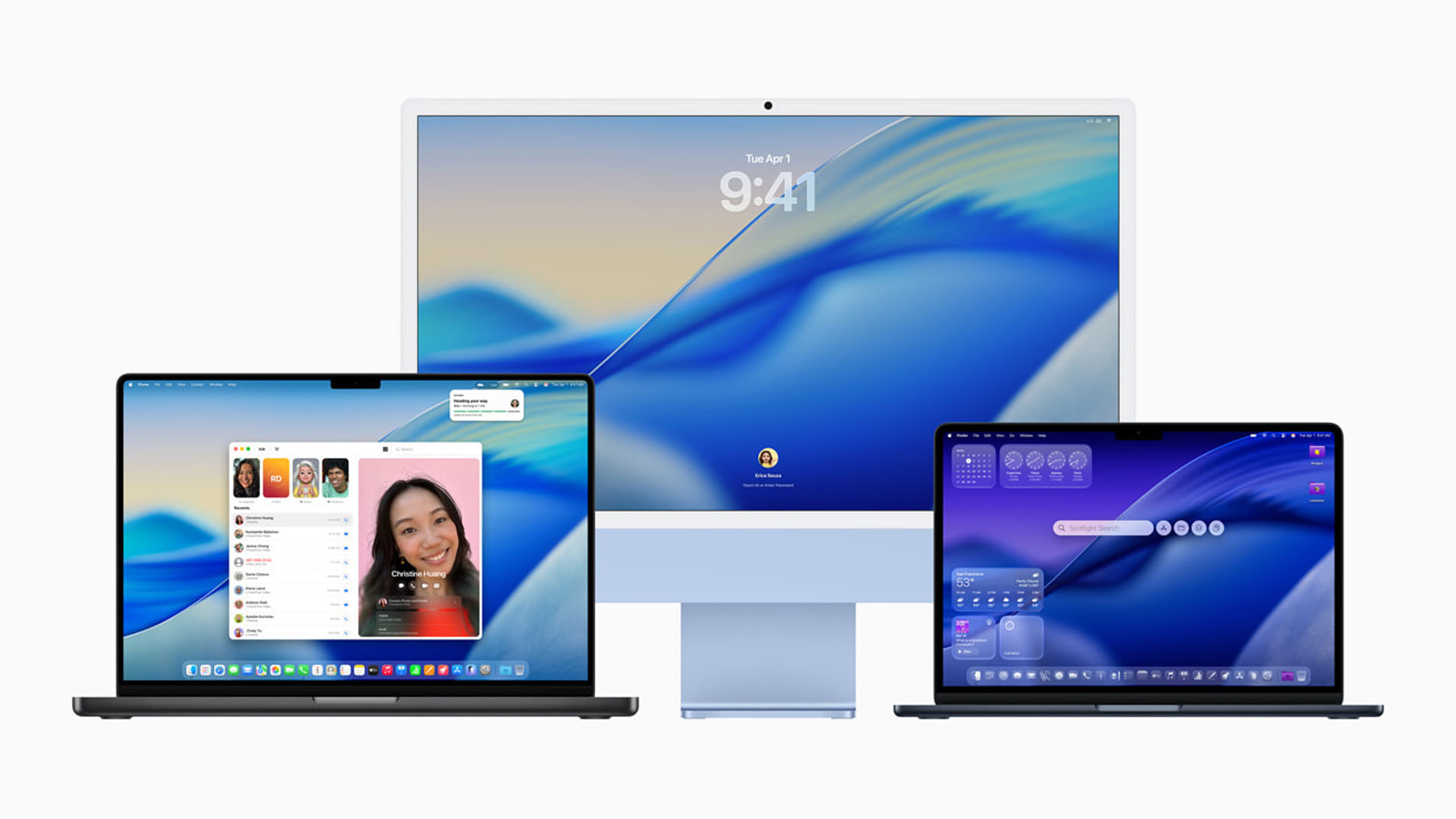
Apple macOS 27 Golden Gate brings Liquid Glass refinements, faster performance, and better search
Apple has introduced macOS 27 Golden Gate, the latest version of its desktop operating system, and the update keeps the company’s Liquid Glass design language while adding several practical improvements aimed at making the Mac feel faster, cleaner, and easier to use.
One of the biggest changes in macOS 27 Golden Gate is the updated Liquid Glass interface. Apple’s translucent design has been a major talking point since its arrival, and not every user was happy with how strong the visual effect appeared across the system. With this new release, Apple is giving users more control by adding a slider that lets them increase or decrease the opacity of the Liquid Glass effect.
This means Mac users can now choose whether they want a more transparent, glass-like appearance or a more solid and easier-to-read interface. It is a welcome customization option, especially for users who prefer a cleaner desktop experience or those who found the earlier version of Liquid Glass too distracting.
The Liquid Glass effect is also being expanded across system icons, helping macOS 27 Golden Gate deliver a more unified and modern look. Apple appears to be focusing heavily on consistency, making sure the interface feels polished across apps, menus, windows, and system elements.
Another visual improvement comes through a fixed corner radius across apps and system windows. This change helps create a more consistent appearance, even for apps that have not yet been updated to fully support the newest macOS design guidelines. As a result, older apps should blend better with the updated system interface instead of feeling visually out of place.
Beyond the design changes, macOS 27 Golden Gate also brings important performance improvements. Apple has focused on making the operating system feel smoother and more responsive, which is exactly what many users expect from a major macOS update. While visual upgrades often get the most attention, better performance can have a bigger impact on everyday use, especially for users who rely on their Macs for work, creative projects, browsing, and multitasking.
Search is another area receiving attention in macOS 27 Golden Gate. Apple has changed how the system indexes content, aiming to improve reliability when searching for files, folders, and apps. This update appears to address complaints from users who experienced issues with Finder search not properly locating items stored on their Mac.
Improved indexing should make it easier to quickly find documents, applications, downloads, and other local files without unnecessary delays or missing results. For users who depend on Finder as part of their daily workflow, this could become one of the most useful upgrades in macOS 27 Golden Gate.
Overall, macOS 27 Golden Gate looks like a meaningful update that balances design refinement with practical system improvements. The customizable Liquid Glass opacity slider gives users more control over the look of their Mac, while the updated icons and consistent window styling make the interface feel more polished. Combined with performance enhancements and improved search indexing, the update is shaping up to be a strong release for Mac users who want both style and speed.