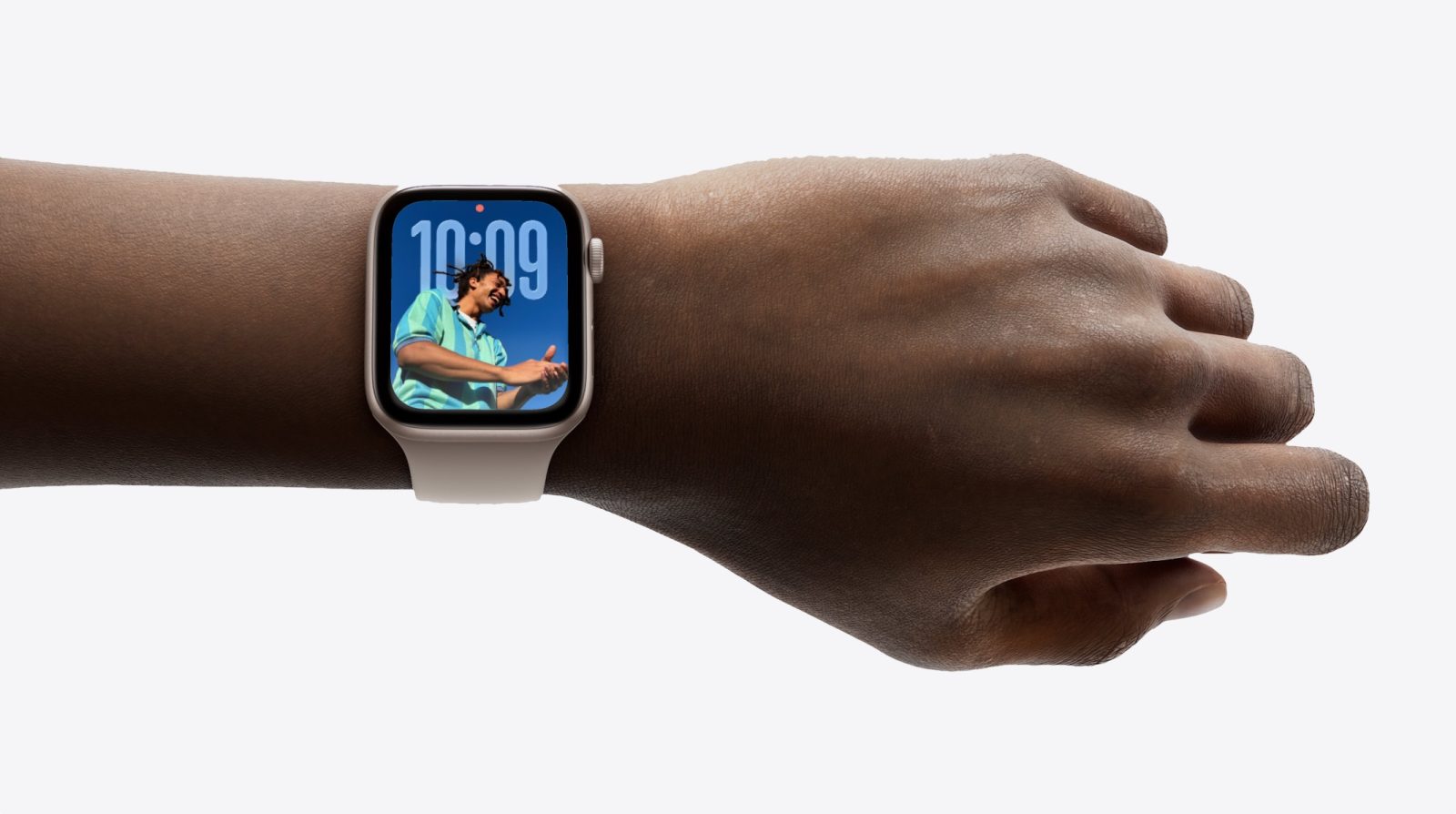
After months of anticipation, watchOS 26 is officially here and available to everyone with a compatible Apple Watch. The free update delivers fresh features, a refined interface, and under-the-hood improvements designed to make your watch feel faster and more responsive—especially on models with larger displays.
What’s new at a glance
– Updated UI elements that look and feel more polished
– Enhancements that take advantage of bigger Apple Watch screens
– Performance and reliability improvements for a smoother experience
Before you update
A quick prep can save you time and prevent installation hiccups:
– Make space: Clear out unused apps, media, or files on your Apple Watch to ensure there’s enough storage for the download and install.
– Charge up: Your Apple Watch needs to be at least 50% charged and placed on its charger. The installation won’t start otherwise.
– Stay connected: Keep your Apple Watch on a secure Wi‑Fi network and within range of your iPhone throughout the process.
How to download and install watchOS 26
– On your iPhone: Open the Apple Watch app, go to General > Software Update, then follow the on-screen instructions.
– On your Apple Watch: Open Settings > General > Software Update and follow the prompts.
Once the update finishes, your Apple Watch will restart. Enter your passcode to get back in and start exploring what’s new.
No developer account? No problem. The final watchOS 26 release installs without linking your Apple ID to a developer profile, and it should appear automatically in the Apple Watch app on your iPhone.
watchOS 26 is shaping up to be a major milestone for Apple Watch, blending new capabilities with smarter design and better performance. We’ll share more details as we explore the update further, so check back for deeper dives and tips.