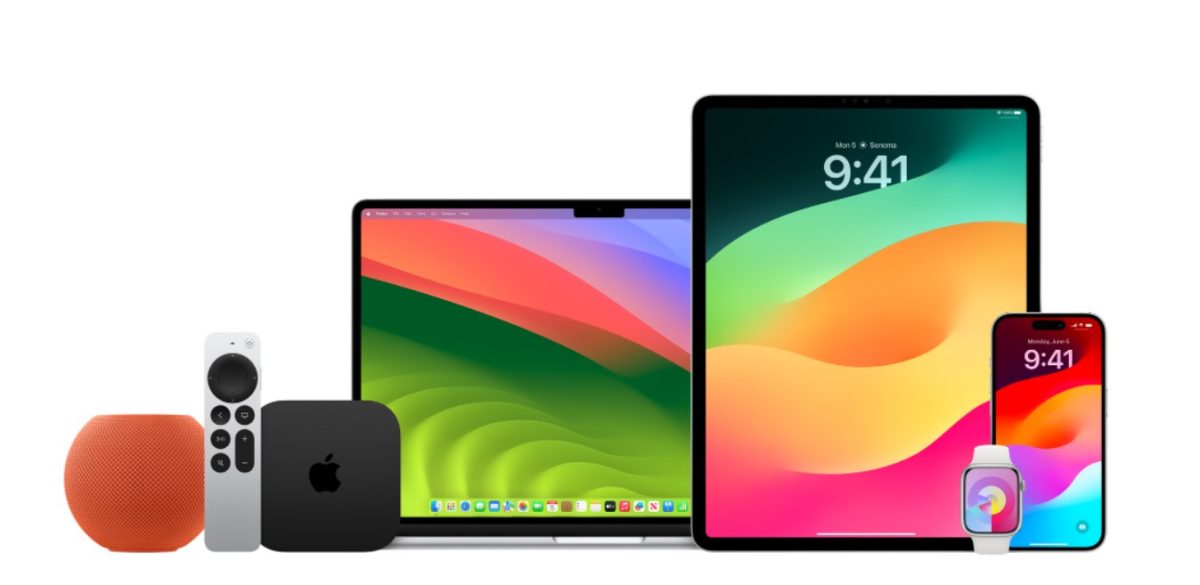
Apple has recently unveiled the second beta versions of its latest software updates including iOS 17.5, watchOS 10.5, macOS 14.5, tvOS 17.5, and visionOS 1.2. These updates are part of the company’s ongoing commitment to comply with the European Union’s Digital Markets Act and include adjustments across Apple’s various devices.
Developers registered with Apple can now access and install these beta updates for free, which are available for the iPhone, iPad, Mac, Apple Watch, and other products in the Apple ecosystem. These updates promise to bring enhancements and new features in preparation for the public release.
How to Install the Beta Updates
For interested developers, here are the steps to install the beta updates across different Apple devices:
### iOS 17.5 and iPadOS 17.5 beta 2
– Ensure you have a developer account with Apple.
– On your iPhone or iPad, navigate to the Settings app.
– Go to General > Software Update > Beta Updates.
– Download the latest beta available for your device.
### watchOS 10.5 beta 2
– Your Apple ID must be linked to a developer account.
– Open the Apple Watch companion app on your iPhone.
– Head to General > Software Update > Beta Updates.
– With your Apple Watch battery above 50%, placed on a charger, download the latest beta.
### macOS 14.5 beta 2
– Access the Software Update section in the System Settings app.
– Make sure to opt into the beta program.
– The beta will be available over the air if your Apple ID is connected to a developer account.
### tvOS 17.5 beta 2
– Opt into the beta program through the Settings app on your Apple TV.
– Install the new beta update directly on your supported Apple TV model.
### visionOS 1.2 beta 2
– For Vision Pro headsets, navigate to the Settings app.
– Toggle on the developer beta option to receive and install the update.
Although details about the specific changes coming with these beta updates are sparse, developers can expect adjustments and improvements to app guidelines, bug fixes, and performance enhancements.
Apple seeks to provide seamless and secure experiences across all devices, and these beta updates are an integral step towards that goal. Developers are encouraged to download and try the betas to assist Apple in refining the user experience. As more details emerge about the updates, we will bring you the latest information on the developments.
Stay tuned for further updates and guides on how to make the most of Apple’s software betas and upcoming official releases.