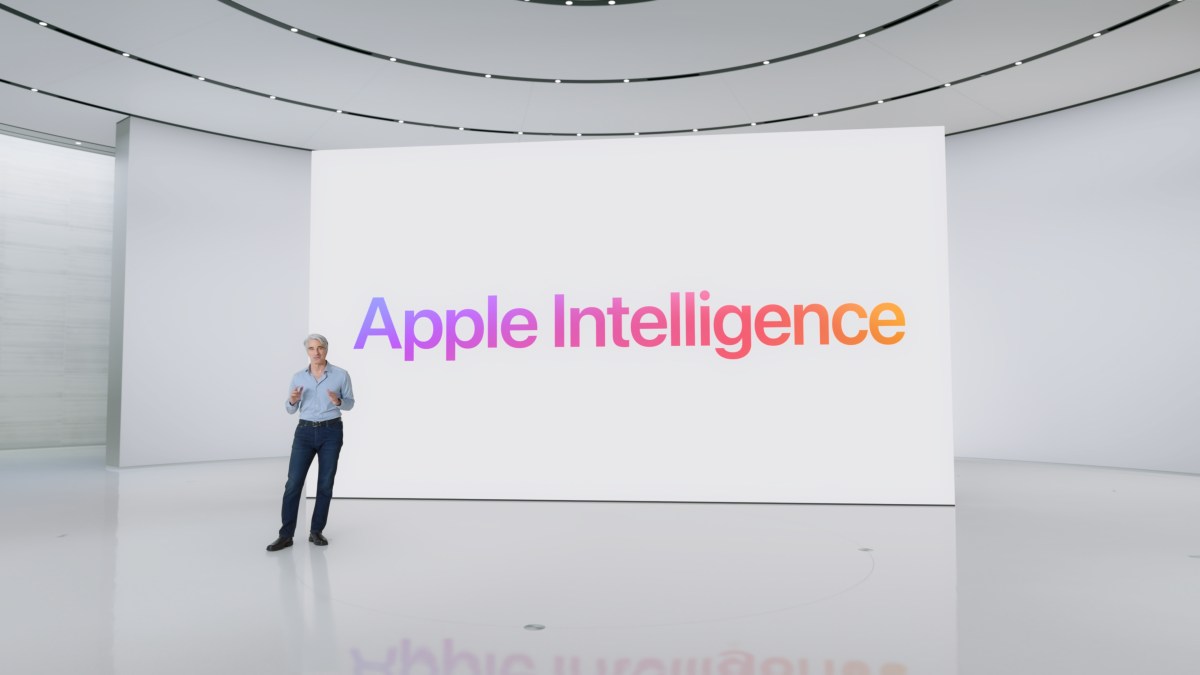
Apple Intelligence is quietly reshaping everyday iPhone, iPad, and Mac experiences. If you’ve upgraded recently, you’ve likely spotted it inside Messages, Mail, Notes, and more. First unveiled at WWDC 2024 and rolling out broadly since October 2024, Apple’s AI platform focuses on practical, built-in tools that enhance what you already do—writing, searching, creating images, and getting help from Siri—without making you learn a new app.
What is Apple Intelligence?
Apple calls it “AI for the rest of us,” and that’s exactly the point. Instead of a flashy chatbot front-and-center, Apple Intelligence lives inside familiar apps. It uses large language models for text and image features and prioritizes on-device processing to keep things fast and private.
Writing Tools are the most visible upgrade for many people. Across Mail, Messages, Pages, and Notifications, you can summarize long threads, rewrite text in different tones, proofread, or have your device draft something from a prompt. For visuals, you can generate playful custom emojis—Genmoji—in Apple’s house style, and experiment with Image Playground, a dedicated image-generation app that creates art you can instantly use in Messages, Keynote, and more.
A smarter Siri is another standout. The assistant now understands on-screen context and can work fluidly across apps. Ask it to edit a photo and drop it into a text, and it knows what you mean. You’ll also notice a new look: when Siri is active, a glow appears around the iPhone’s edge instead of the old icon.
What’s coming next for Siri?
Ahead of WWDC 2025, many expected an even bigger leap. Apple acknowledged that its more personal, context-aware version of Siri needs more time. According to Apple’s software chief Craig Federighi, the company is still working to meet its quality bar. Reports suggest the in-development build is too error-prone to ship yet, and Apple is now targeting a major Siri overhaul in 2026. The goal is for Siri to understand personal context like relationships and routines, and Apple may partner with an outside AI provider to accelerate progress.
New AI features unveiled for 2025
At WWDC 2025, Apple previewed two new capabilities:
– Visual Intelligence: identify and search for items you see as you browse or view images.
– Live Translation: translate conversations in real time inside Messages, FaceTime, and Phone.
Both are expected later in 2025 with iOS 26.
When Apple Intelligence arrived and how it’s rolling out
The first wave landed with iOS 18.1, iPadOS 18.1, and macOS Sequoia 15.1. Apple then expanded features with iOS 18.2, iPadOS 18.2, and macOS Sequoia 15.2, adding Genmoji, Image Playground, Image Wand, and optional ChatGPT integration. Visual Intelligence is slated for a later release with iOS 26.
Language support started with U.S. English, followed by Australian, Canadian, New Zealand, South African, and U.K. English. Chinese, English (India), English (Singapore), French, German, Italian, Japanese, Korean, Portuguese, Spanish, and Vietnamese are planned for 2025.
Who gets Apple Intelligence?
Apple Intelligence is free with compatible hardware and software. Supported devices include:
– All iPhone 16 models
– iPhone 15 Pro and iPhone 15 Pro Max (A17 Pro)
– iPad Pro (M1 and later)
– iPad Air (M1 and later)
– iPad mini (A17 or later)
– MacBook Air (M1 and later)
– MacBook Pro (M1 and later)
– iMac (M1 and later)
– Mac mini (M1 and later)
– Mac Studio (M1 Max and later)
– Mac Pro (M2 Ultra)
Note that only iPhone 15 Pro models support Apple Intelligence, due to chipset requirements. The entire iPhone 16 lineup is compatible.
How Apple’s AI works on-device—and when it uses the cloud
Unlike most AI platforms that rely heavily on remote servers, Apple trained smaller, task-specific models so many features can run on your device. That means fast responses and stronger privacy for everyday tasks like rewriting an email or summarizing a long message thread.
For complex requests, Apple uses Private Cloud Compute, a system of Apple Silicon-powered servers designed to provide the same privacy protections as on-device processing. Your device automatically decides whether to handle a task locally or in the cloud. If you’re offline, cloud-dependent requests will return an error.
Third-party AI inside Apple Intelligence
Apple built an optional bridge to ChatGPT for things outside its small-model scope. You can let Siri “ask ChatGPT” for certain queries, such as recipes or trip ideas. You’ll be prompted for permission before Siri shares anything. ChatGPT also powers Compose inside Writing Tools, which can generate fresh content from a prompt. Access is free, but paid ChatGPT subscribers get their premium benefits within this integration.
Apple has also signaled plans to add more third-party AI services, with Google’s model widely expected to be next.
What developers can build with Foundation Models
To help developers ship smarter apps without relying on cloud APIs, Apple introduced the Foundation Models framework at WWDC 2025. It lets apps tap Apple’s on-device AI for features like study helpers, content generation, or custom summaries—even when you’re offline. Apple’s pitch is simple: smarter experiences, lower latency, no extra cloud costs, and strong privacy.
The bottom line
Apple Intelligence isn’t a single app—it’s a quiet upgrade to the apps you already use. From Writing Tools and Genmoji to Image Playground and a more capable Siri, Apple is weaving AI into the fabric of iOS, iPadOS, and macOS with privacy as a core principle. Bigger upgrades are on the way, including Visual Intelligence, Live Translation, and a more personal Siri in 2026. If you’ve got a supported device, you’re already in the future of Apple’s AI.