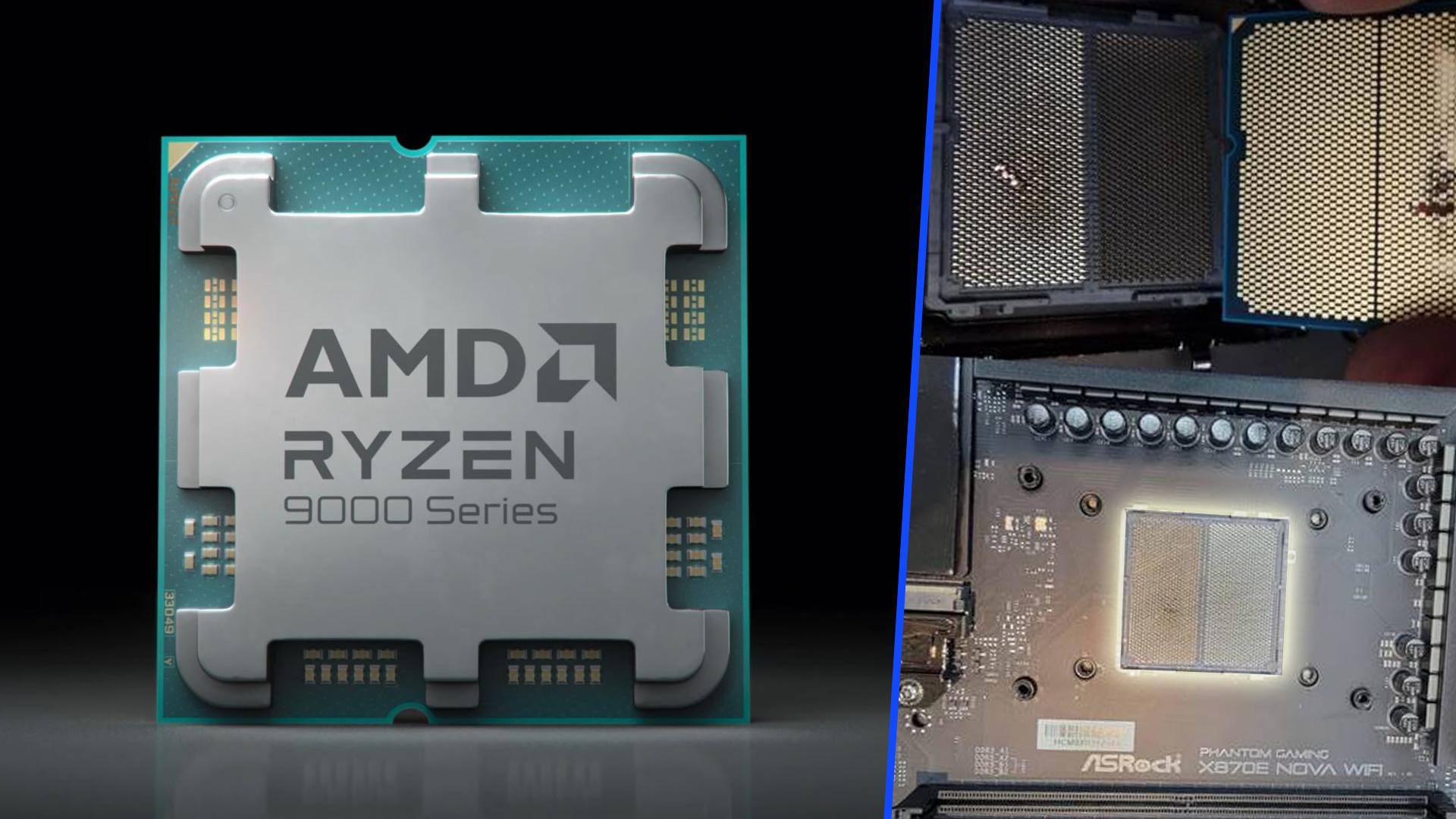
Another Ryzen 7 9800X3D has reportedly failed twice on the same ASRock X870 RS Pro WiFi motherboard, echoing a growing pattern of user complaints around Ryzen 9000-series and X3D chips on select ASRock 800-series boards. What makes this case stand out is that both failures happened after roughly the same amount of time and while running a BIOS version that was supposed to mitigate the problem.
According to a post from user u/ShendonZ, the first Ryzen 7 9800X3D ran for about two and a half months before dying. AMD approved an RMA and sent a replacement CPU, but that second chip also failed after a similar period—again on the same ASRock X870 RS Pro WiFi. The user says they were on BIOS 3.25 from May, a version recommended to address the suspected cause. They avoided newer BIOS versions 3.30 and 3.40 due to separate reports of issues. In hindsight, they regret not swapping the motherboard after the first failure.
The root cause of these failures is still unclear. While there has been speculation around features like PBO and voltage behavior, no definitive explanation has been confirmed. Independent reviewers are actively collecting hardware and user data to investigate, with one well-known reviewer even offering to purchase the affected CPUs and motherboard for analysis. Meanwhile, ASRock has stated that its motherboards are not at fault and that the latest BIOS releases resolve the issue. However, user reports of Ryzen 9800X3D failures on various ASRock 800-series motherboards continue to surface, suggesting that the situation is more complex than a single setting or firmware fix.
If you own a Ryzen 9000 or Ryzen 7 9800X3D and an ASRock 800-series motherboard, consider the following precautions while the investigation continues:
– Make sure you are on the most stable BIOS recommended by your motherboard vendor and CPU maker, and read the release notes carefully.
– Keep PBO and similar boosting features conservative or disabled until there is clearer guidance.
– Monitor voltages and temperatures, and avoid aggressive overclocking or memory profiles if stability is uncertain.
– Use a reliable power supply and ensure proper cooling and case airflow.
– Document your system configuration, BIOS version, and any unusual behavior. If problems occur, contact support immediately and consider testing the CPU on a different board if possible.
This latest report underscores the need for a thorough, independent root-cause analysis. Until concrete answers arrive, owners of Ryzen 9800X3D chips on affected platforms should proceed cautiously, keep firmware up to date, and follow conservative settings to minimize risk. We’ll update as credible findings emerge from ongoing testing and community reports.